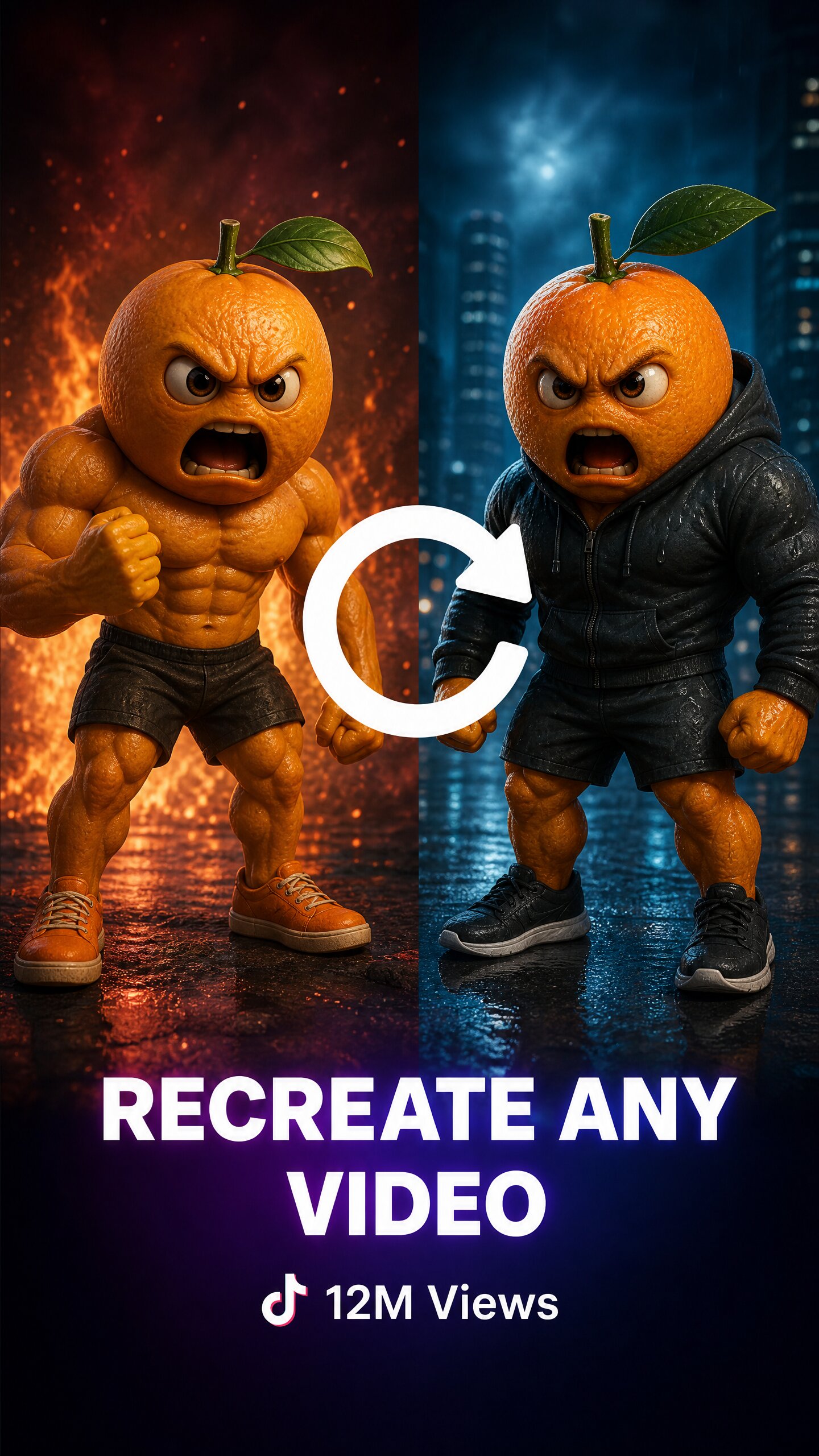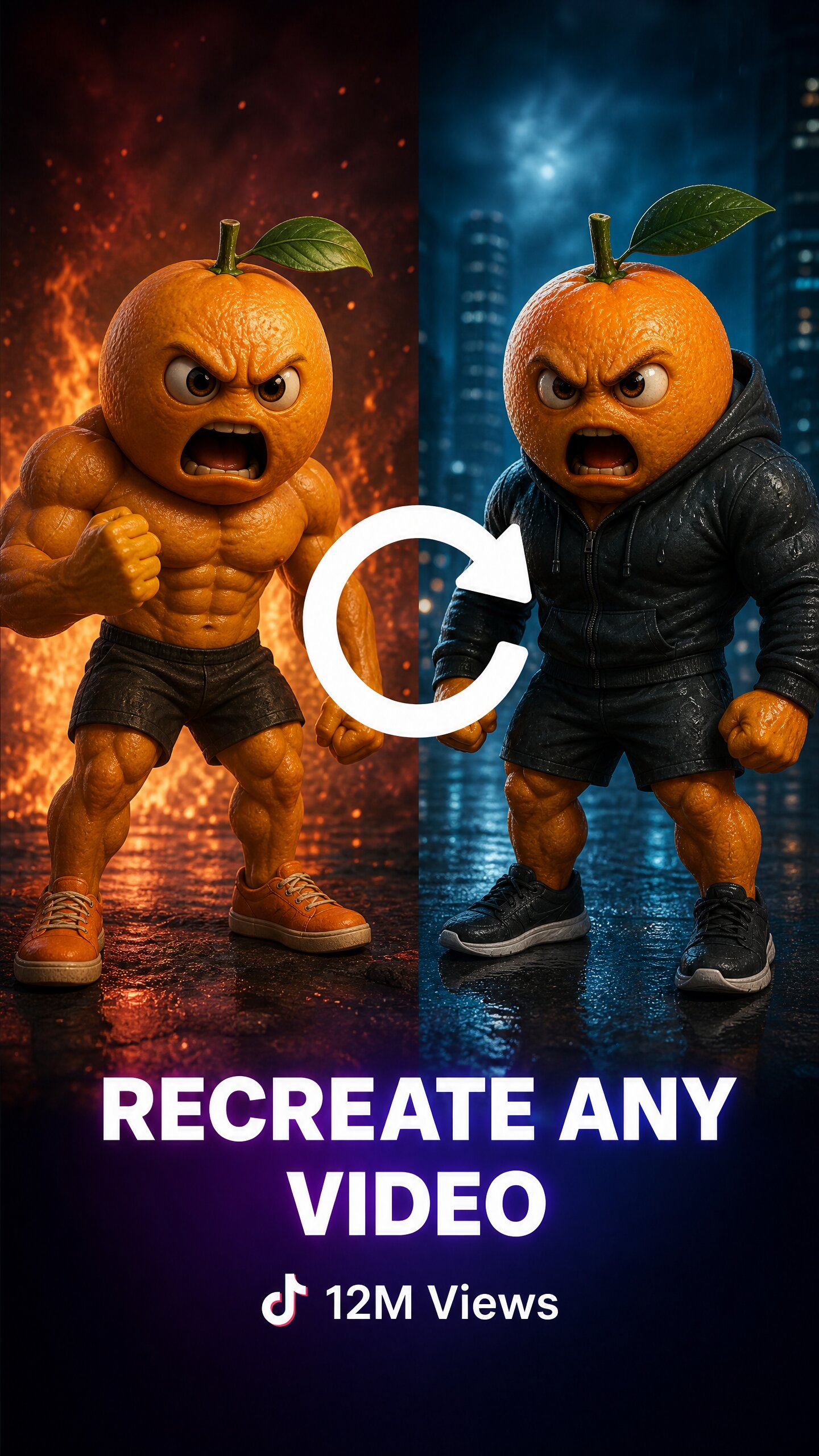
Faceless AI story channels blew up over the last year, and every time I scroll I see another one with millions of views. AICUT is one of the tools powering that wave — it promises to turn an idea into a scroll-stopping AI story video, complete with voiceover, captions, and auto-scheduling, no editing experience required. I wanted to see if it lives up to the “10x faster” claim. Here’s my honest review.
1. What Is AICUT?
AICUT is an AI video generator built specifically for faceless channels on YouTube, TikTok, and Instagram. You pick a niche or trend, and it generates AI story videos with voiceover and captions, then can auto-post them on a schedule. It leans into recreating current AI video trends quickly, and markets itself to the 800k+ creators making faceless content. Every plan includes full access to the AI video tools, voiceovers, and auto-posting — the tiers mainly differ in how many credits (videos) you get.
2. Who Is AICUT Best For?
✅ Faceless channel creators
If you’re building AI story channels on TikTok, Shorts, or Reels, AICUT is purpose-built for that exact format — story videos with voiceover and captions.
✅ Beginners with no editing skills
The whole pitch is “no experience needed.” If you’ve never touched an editor, the guided generation lowers the barrier a lot.
✅ Volume-focused creators who want automation
Auto-posting and fast generation suit people who want to publish consistently across platforms without manual uploading.
❌ Creators wanting fully original, live-action video
This is AI-generated story content with a distinct style. If you need authentic live-action, it won’t replace that.
❌ Anyone who won’t disclose AI or follow platform rules
Auto-posting AI content at volume can bump into platform policies. If you won’t label AI content or respect the rules, expect problems.
3. Core Features Breakdown

3.1 AI story video generation
The core: generate full AI story videos from a niche or prompt, with the narrative, visuals, and pacing handled for you. This is what makes producing many videos quickly realistic.
3.2 Voiceover and captions
Built-in AI voiceover and auto-captions mean you don’t need separate TTS or captioning tools — it’s all in one flow.
3.3 Recreate trending AI videos
AICUT emphasizes recreating the latest AI video trends fast, so you can ride formats that are already working rather than starting from scratch.
3.4 Auto-posting across platforms
Schedule and auto-post to YouTube, TikTok, and Instagram, which is the automation piece that turns this from a generator into a content pipeline.
4. Pricing
AICUT is credit-based with two main tiers and roughly 37% off on yearly billing. Every plan includes all AI video tools, voiceovers, and auto-posting. Here’s what I saw (confirm current numbers on their site):
- Creator — $19.99/month, or $12.50/month billed annually ($149.99/yr). 50 credits/month (~4 full AI video stories, ~33 short clips, ~166 image generations), watermark removed, all AI video models. Good for trying AI videos.
- Automate — $39.99/month, or $25.00/month billed annually ($299.99/yr). 100 credits/month (~8 full AI video stories), everything in Creator plus more video credits. Marked most popular, for creators who want to grow.
Since it’s credit-based, your real output depends on how many videos you generate — annual billing is where the savings are if you’re committed.
5. Pros & Cons
Pros: Purpose-built for faceless story channels; genuinely beginner-friendly; voiceover, captions, and auto-posting all included; recreates trending formats fast; watermark removed even on the entry tier; big yearly discount.
Cons: Credit caps limit how many videos you can make; AI story videos have a recognizable style; only two tiers (less granularity); auto-posting AI content requires care around platform rules and AI disclosure.
6. AICUT vs BigMotion
Both are AI video studios aimed at faceless creators. BigMotion is broader — ads, music, image studio, multiple premium models — while AICUT is tightly focused on AI story videos for faceless channels with a simple two-tier plan. If you want a wide creative suite, BigMotion covers more. If you specifically want fast, faceless story videos with voiceover and auto-posting and prefer simplicity, AICUT is the more focused pick. Try both on your niche and compare output quality and cost per video.
7. Final Verdict: Is AICUT Worth It in 2026?
For faceless-channel creators, AICUT is a practical choice in 2026 — it nails the specific job of generating AI story videos with voiceover and auto-posting, and the beginner-friendly flow removes real friction. Start on Creator to test whether the output fits your niche and the credits match your pace, then move to Automate if you’re scaling. Just publish responsibly: disclose AI content and follow each platform’s rules on automated posting.
Frequently Asked Questions
What is AICUT used for?
It generates AI story videos for faceless YouTube, TikTok, and Instagram channels, complete with voiceover, captions, and auto-scheduling.
Do I need video editing experience?
No. AICUT is designed for beginners — you pick a niche or trend and it handles the generation, so no editing skills are required.
How much does AICUT cost?
Creator is $19.99/month ($12.50 billed annually) and Automate is $39.99/month ($25 billed annually), with about 37% off yearly. Both are credit-based.
Does AICUT auto-post videos?
Yes, every plan includes auto-posting to YouTube, TikTok, and Instagram. Follow each platform’s rules on automated posting and AI-content disclosure.
Is there a watermark?
The watermark is removed starting on the Creator plan, so your videos publish clean on the paid tiers.
👉 Where to Get AICUT
You can try AICUT here: Try AICUT. Start on Creator to test the output against your niche, then upgrade to Automate if you scale.
Affiliate disclosure: This post contains an affiliate link. If you sign up through it, I may earn a commission at no extra cost to you. All opinions are my own. Please disclose AI-generated content where required and follow each platform’s terms on automated posting.