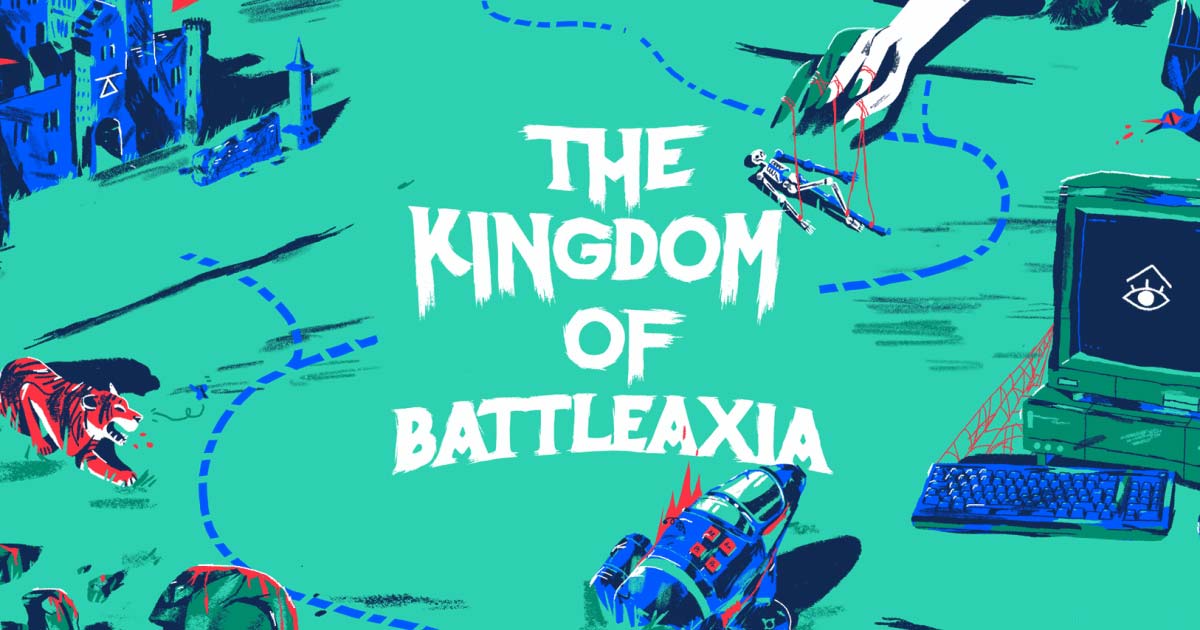
If you do motion design in After Effects, you’ve probably heard whispers about Battle Axe — the studio behind Overlord and Rubberhose. I’ve leaned on these plugins for animation work, so here’s my honest review of what they make and whether the tools earn their reputation.
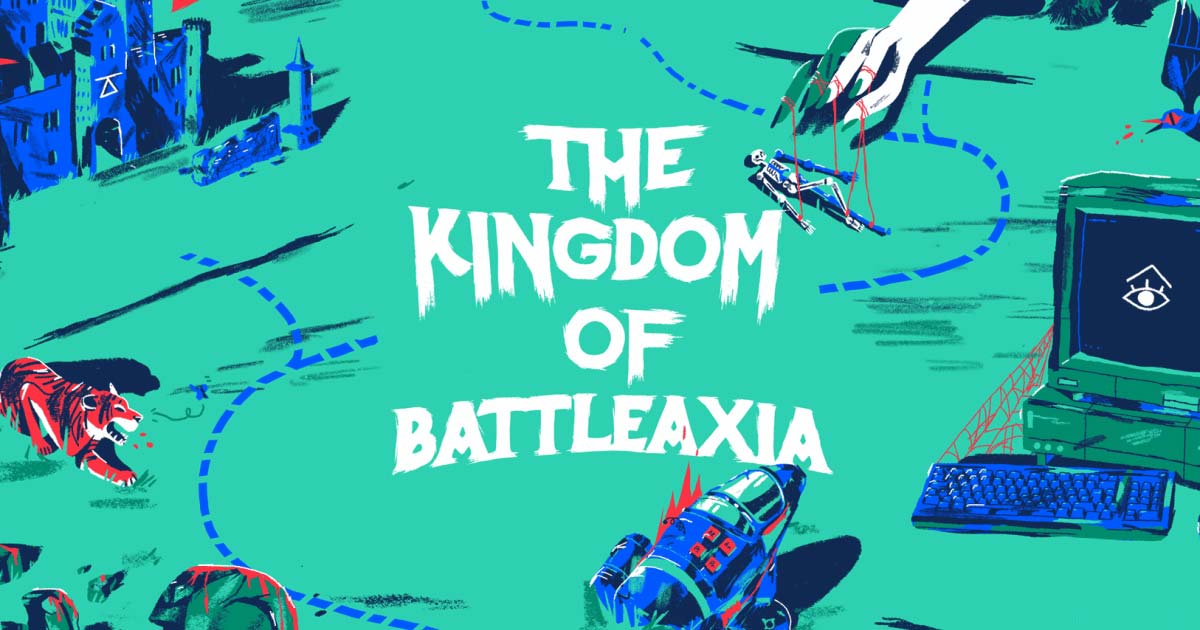
1. What Is Battle Axe?
Battle Axe is a tiny independent studio (run by Adam and Ash Plouff) that builds “brutal tools for design and animation.” It’s the home of Overlord, Rubberhose, Anubis and more — mostly After Effects plugins and scripts aimed at making motion-design workflows faster and more enjoyable. Their philosophy: artists make great art, and a good tool should be invisible and a joy to use.
2. Who Is Battle Axe Best For?
✅ Motion designers and animators
If you live in After Effects, these plugins target the exact friction points in a daily workflow.
✅ Illustrator-to-AE workflows
Overlord acts as a live portal between Illustrator and After Effects, which is a huge time-saver for vector-heavy work.
✅ Character animators
Rubberhose handles flexible character rigging and animation without complex manual setups.
❌ People who don’t use After Effects
These are AE-focused tools, so they won’t help if that’s not your software.
❌ Anyone wanting an AI-generates-everything tool
Battle Axe explicitly builds tools for skilled artists, not auto-generators — you still do the craft.
3. Core Features Breakdown
3.1 Overlord
Described as a mystical portal between the realms of creation, Overlord moves artwork live between Illustrator and After Effects, priced at $75 USD for the app plus plugins.

3.2 Rubberhose
Ultra-flexible character rigging and animation, priced at $65 USD — the go-to for that classic bendy-limb animation style.
3.3 Anubis
Powerful render management “without all the nerd stuff,” priced at $25 USD, aimed at simplifying how you queue and manage renders.
3.4 Free Scripts & Freebies
Battle Axe also gives away handy freebie scripts — a Solids-folder alternative, a stroke-cap button Adobe forgot, a tap-tempo BPM keyframe tool and more — so you can sample their style at no cost.
4. Pricing
Pricing is straightforward one-time purchases in USD: Overlord $75, Rubberhose $65, and Anubis $25, plus a set of genuinely free scripts. Taxes may apply at checkout. There’s no forced subscription, which is refreshing for creative tools.
5. Pros & Cons
Pros: one-time pricing (no subscription), tools built by working animators, free scripts to try, and a clear, craft-first philosophy. Cons: After Effects only, niche to motion design, and you buy each tool separately rather than as a bundle.
6. Battle Axe vs Manual After Effects Workflows
Without these plugins, moving Illustrator art into AE or rigging a character means a lot of tedious manual steps. Overlord and Rubberhose collapse that into a few clicks. You pay once per tool, but the time saved on repetitive setup usually pays for itself fast if you animate regularly.
7. Final Verdict: Are Battle Axe Tools Worth It in 2026?
For working motion designers, Battle Axe tools are an easy recommendation — the one-time pricing and real workflow savings make them low-risk, and the free scripts let you sample the quality first. They’re niche by design, so they only matter if you’re in After Effects, but for that audience I think they’re absolutely worth it.
Frequently Asked Questions
What software do Battle Axe tools work with? They’re built primarily for Adobe After Effects (with Illustrator for Overlord).
Is it a subscription? No — the main tools are one-time purchases in USD.
How much do they cost? Overlord is $75, Rubberhose $65 and Anubis $25, plus free scripts.
What is Overlord? A live link that moves artwork between Illustrator and After Effects.
Can I try anything for free? Yes — Battle Axe offers several free freebie scripts.
👉 Where to Get Battle Axe
You can explore Battle Axe tools here: Battle Axe.
Affiliate disclosure: this post contains an affiliate link, and I may earn a commission at no extra cost to you if you buy through it.