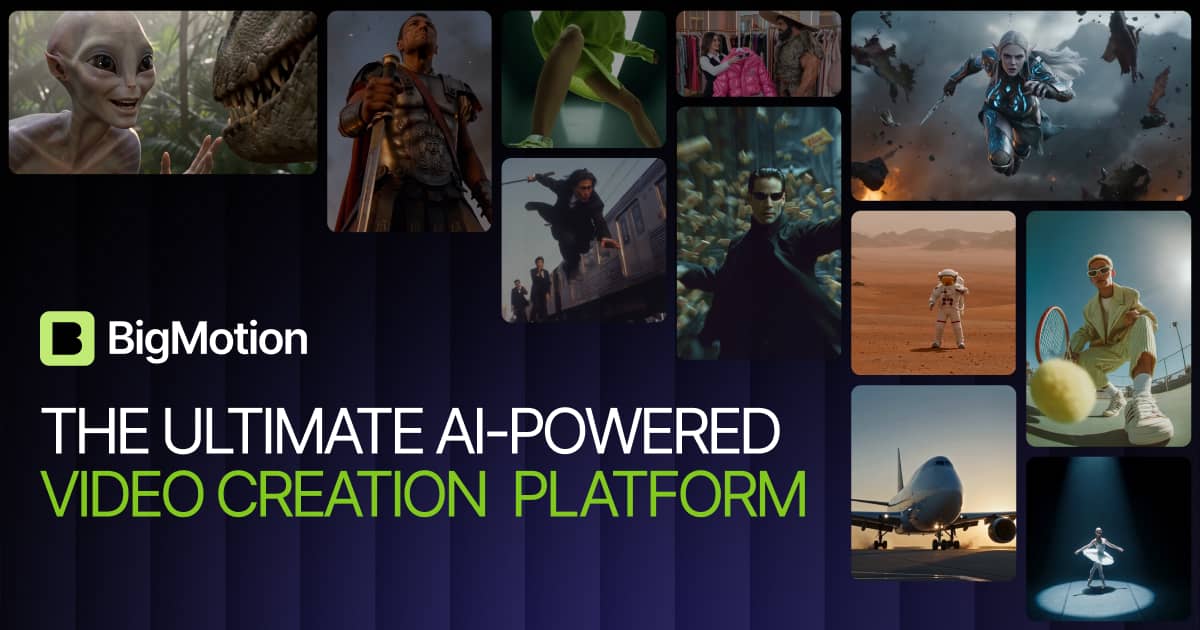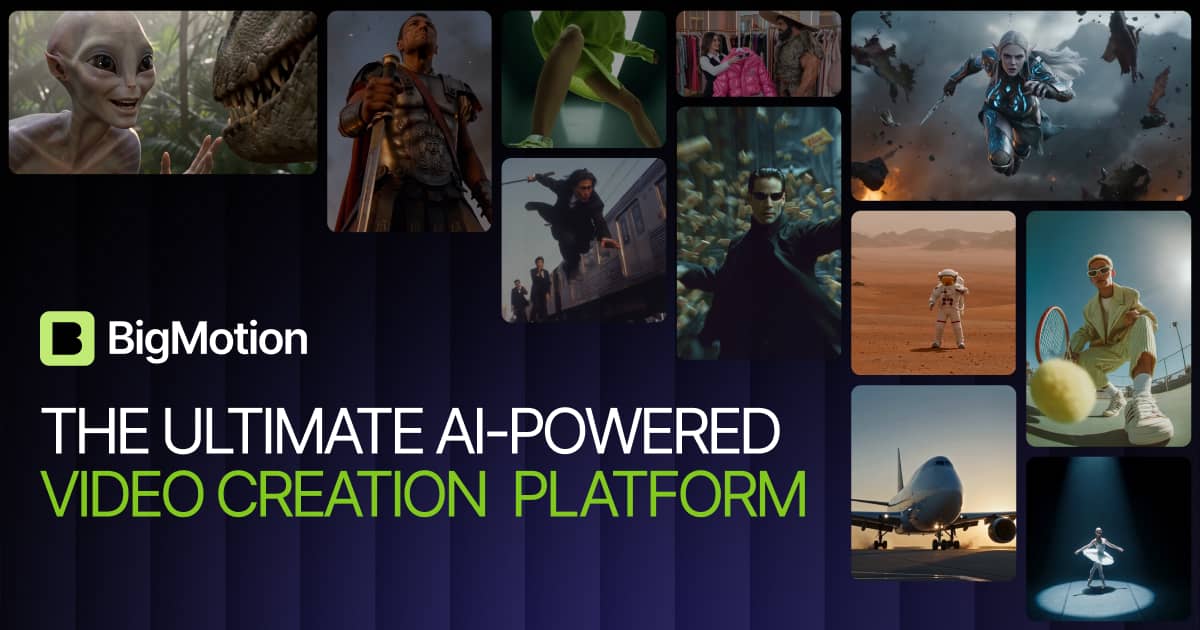
Faceless content is everywhere right now, and the tooling behind it has gotten scary good. I kept seeing BigMotion mentioned as an all-in-one studio for cranking out AI ads, music videos, and faceless shorts — generate, edit, and auto-post from one place. That’s a big promise, so I took it for a spin. Here’s my honest review of what it does, what it costs, and the responsibility that comes with tools like this.
1. What Is BigMotion?
BigMotion is an AI-powered content studio for video. It generates ads, music videos, and faceless short-form content, then lets you edit and auto-post — all in one place. Under the hood it taps top models like Kling, Veo, NanoBanana, and Seadance, and offers modules for AI shorts on autopilot, image-to-video ads, text-to-speech, cinematic generation, an image studio, and a music studio. It’s aimed at everyone from solopreneurs to global brands who want to produce a lot of video without a full production team.
2. Who Is BigMotion Best For?
✅ Faceless creators and short-form channels
If you run faceless YouTube/TikTok channels, the AI autoshorts plus auto-posting is built to keep a content pipeline running with minimal manual work.
✅ Marketers and small brands making ads
The AI image ads and image-to-video ad tools let small teams produce ad creative fast without hiring a studio for every variation.
✅ Solopreneurs juggling everything
Having generation, editing, and posting in one studio saves the tool-hopping that eats a solo creator’s time.
❌ Creators who need fully bespoke, human-shot footage
AI video is impressive but still has a distinct look. If your brand needs authentic, human-shot production, this is a supplement, not a replacement.
❌ Anyone unwilling to disclose AI content
Platforms increasingly require AI disclosure. If you won’t label AI-generated content, you’ll run into policy problems — that’s on you, not the tool.
3. Core Features Breakdown
3.1 AI autoshorts and auto-posting
Generate faceless shorts on autopilot and schedule them to post automatically. This is the headline time-saver for volume-focused creators.
3.2 AI ads (image and image-to-video)
Create AI image ads and turn images into video ads, with access to a paid-ads feature. Handy for testing lots of creative variations quickly.
3.3 Access to top video models
You get access to leading models — Kling, Veo, NanoBanana, Seadance and more — so you’re not locked to one engine and can pick the best for each job.
3.4 Image, music, and voice studios
Beyond video, there’s an AI image studio, a music studio creator, and text-to-speech, making it a fuller content suite rather than a single-trick generator.
4. Pricing
BigMotion is credit-based with four monthly tiers and about 20% off on yearly billing. Here’s what I saw (confirm current numbers on their site):
- Basic — $19/month. 1,900 credits/month, autoshorts, image-to-video, NanoBanana images, all models, paid-ads feature. For beginners.
- Pro — $39/month. 3,900 credits/month. For occasional creators.
- Ultimate — $69/month. 8,280 credits/month (+20% bonus). Marked most popular, for daily creators.
- Creator — $89/month. 13,350 credits/month (+50% bonus). Best value for pros scaling production.
Since everything runs on credits, your real capacity depends on how many generations you do — the higher tiers’ bonus credits make them better value if you produce daily.
5. Pros & Cons
Pros: True all-in-one (generate, edit, auto-post); access to multiple top-tier video models; strong for faceless shorts and ad creative; image, music, and TTS studios included; bonus credits on higher tiers; affordable entry at $19.
Cons: Credit-based limits on every plan; AI video still has a recognizable look; auto-posting requires care around platform AI-disclosure rules; costs climb if you generate at high volume.
6. BigMotion vs InVideo AI
InVideo AI is a well-known text-to-video tool, strong at turning prompts and scripts into edited videos. BigMotion’s edge is breadth — multiple premium models, ad-specific tools, music and image studios, and built-in auto-posting for a faceless-content workflow. If you mainly want script-to-video, InVideo is focused and polished. If you want a broader studio that also handles ads, music, and scheduled posting, BigMotion covers more ground. Trial both on your actual content type before committing.
7. Final Verdict: Is BigMotion Worth It in 2026?
For creators and marketers producing a lot of short-form and ad video, BigMotion is a compelling all-in-one in 2026 — the multi-model access plus generate-edit-post pipeline genuinely saves time. Start on Basic to test output quality, and move up to Ultimate or Creator if you generate daily and want the bonus credits. Just use it responsibly: label AI content and follow each platform’s rules on automated posting.
Frequently Asked Questions
What can BigMotion create?
AI ads, music videos, and faceless short-form content, plus AI images, music, and text-to-speech — with editing and auto-posting built in.
Which AI models does BigMotion use?
It provides access to leading models including Kling, Veo, NanoBanana, and Seadance, so you can choose the best engine for each project.
How much does BigMotion cost?
Plans are Basic $19, Pro $39, Ultimate $69, and Creator $89 per month, with about 20% off yearly. Each tier includes a monthly credit allowance (higher tiers add bonus credits).
Can BigMotion auto-post my videos?
Yes, it can generate faceless shorts and auto-post them. Just make sure you follow each platform’s rules on automated posting and AI-content disclosure.
Is AI-generated video good enough for real use?
It’s strong for ads and faceless content, but AI video still has a distinct look. Treat it as a fast production supplement rather than a full replacement for human-shot footage.
👉 Where to Get BigMotion
You can try BigMotion here: Try BigMotion. Start on Basic to test the output, then scale to a higher tier if you produce daily.
Affiliate disclosure: This post contains an affiliate link. If you sign up through it, I may earn a commission at no extra cost to you. All opinions are my own. Please disclose AI-generated content where required and follow each platform’s terms on automated posting.