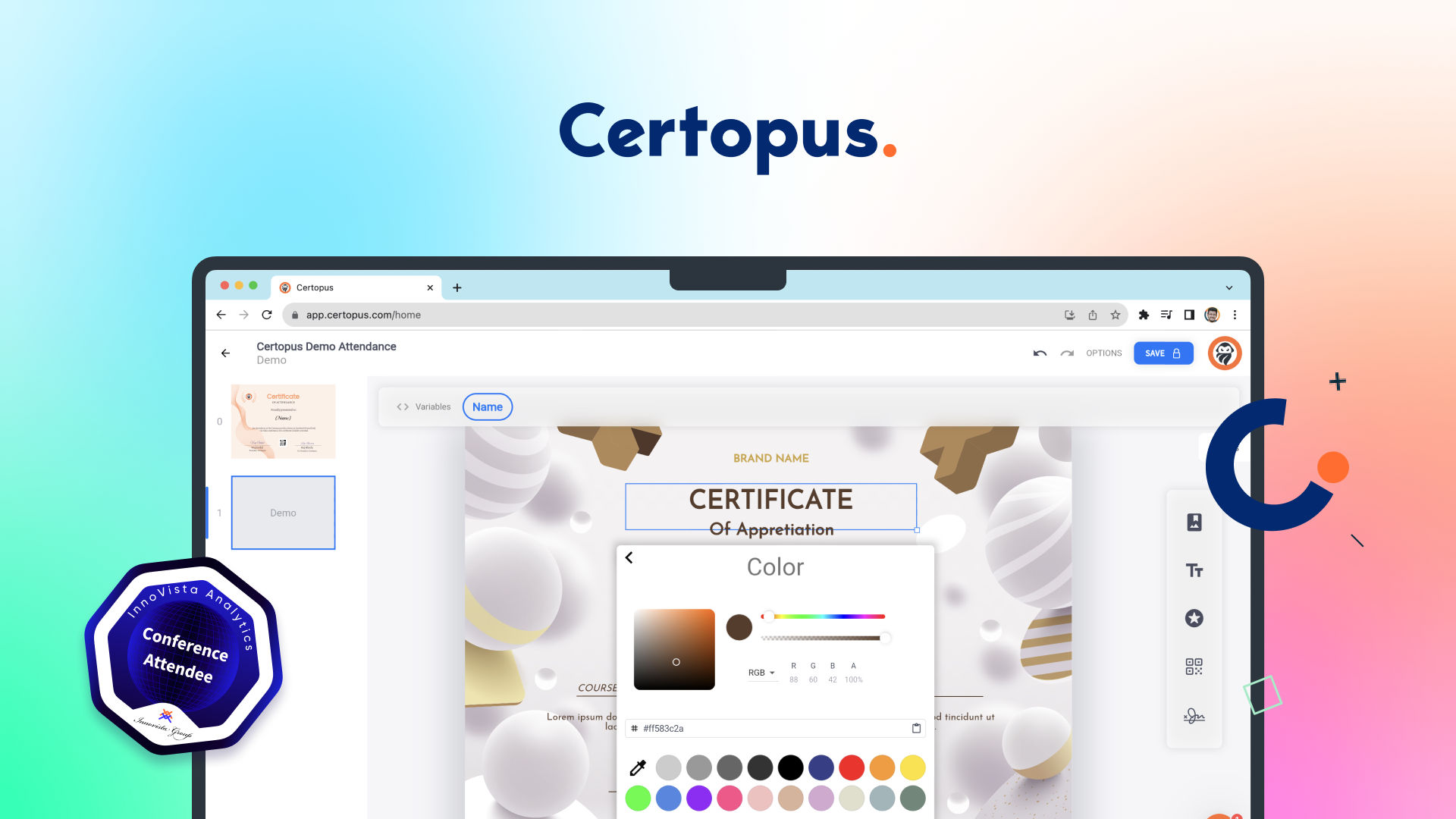
If you’ve ever run an event or course and had to manually make certificates in Canva for 200 attendees, you know the pain. Certopus promises to automate that whole mess — designing, generating, and sending verifiable digital certificates and badges. I dug in to see if it delivers. Here’s my honest Certopus review for 2026.
1. What Is Certopus?
Certopus is a digital credentials platform for designing, generating, storing, and sending verifiable certificates and digital badges. Instead of hand-making PDFs, you build a template once, then bulk-issue personalized, verifiable credentials to your whole audience and distribute them by email in minutes. Every credential is verifiable and shareable — including direct LinkedIn integration so recipients can add certifications to their profiles. It’s aimed at event organizers, educators, training providers, and companies that need to issue credentials at scale.
2. Who Is Certopus Best For?
✅ Event and webinar organizers
If you issue completion or attendance certificates after events, bulk issuance and email distribution turn hours of manual work into minutes.
✅ Educators, course creators, and training providers
With LMS integration, learning pathways, and verifiable badges, it’s well suited to anyone certifying course completion.
✅ Companies needing branded, verifiable credentials
The white-label and branded-QR options on higher tiers let organizations issue professional, on-brand, tamper-evident credentials.
❌ Someone who needs a single one-off certificate
If you just need one certificate once, a simple design tool is enough — Certopus shines at scale and verifiability.
❌ Teams that don’t care about verification
The core value is verifiable, shareable credentials; if a plain PDF is all you need, you won’t use its best features.
3. Core Features Breakdown
3.1 Certificate & Badge Builder
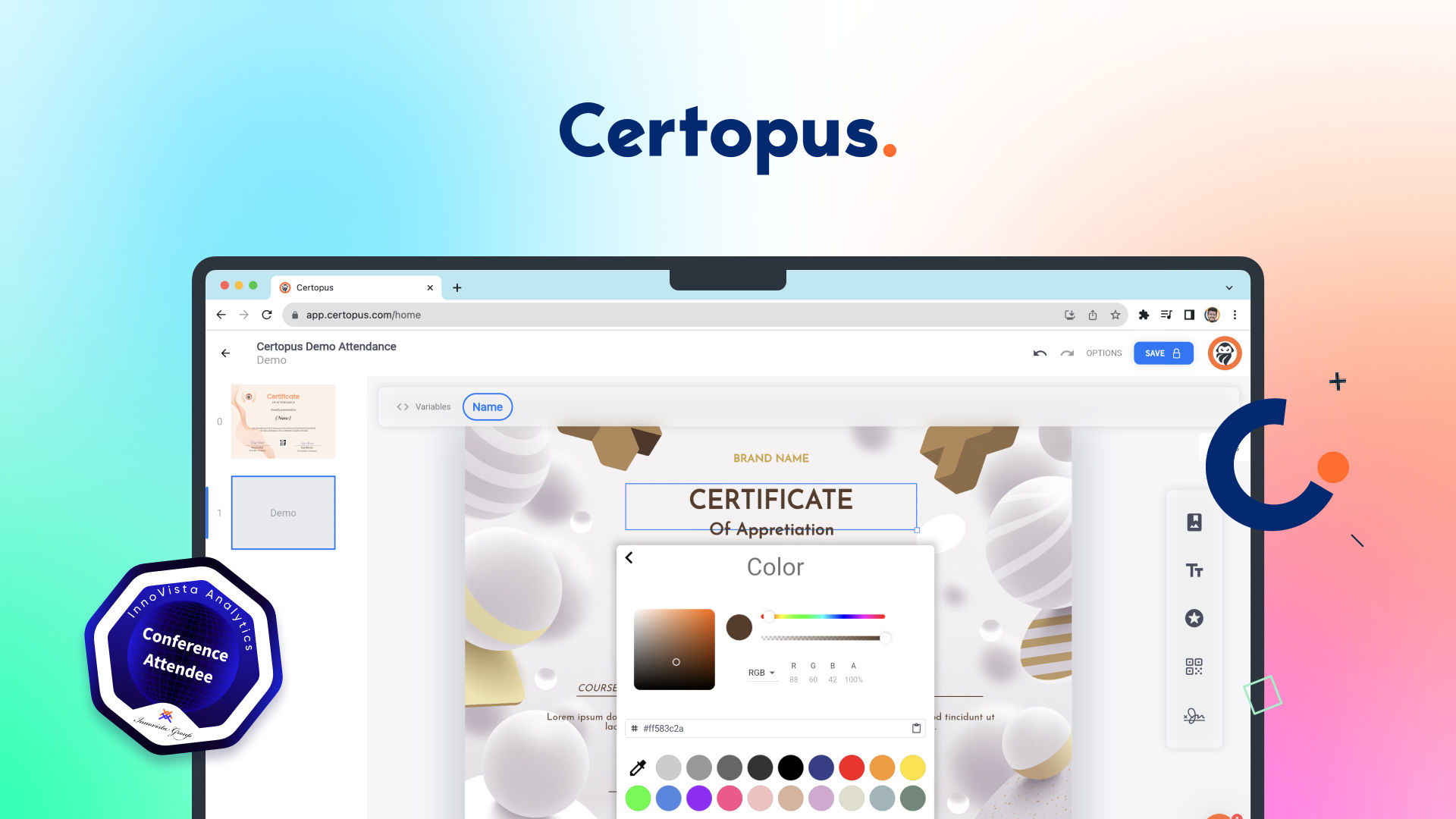
Design professional certificates and digital badges with the built-in builder, then reuse the template to issue personalized credentials to everyone on your list.
3.2 Bulk Issuance & Mass Distribution
Issue certificates and badges in bulk and distribute them en masse via email — the core time-saver that replaces tedious manual work.
3.3 Verifiable Credentials & LinkedIn
Every credential is verifiable and easy to share, with LinkedIn integration so recipients can add their certifications directly to their profiles, boosting your event or course’s reach.
3.4 White-Labeling, APIs & Integrations
Higher tiers add complete white-labeling, custom SMTP and sender email, branded QR codes and wallets, LMS integration with learning pathways, advanced APIs and automation, domain hosting, and advanced analytics.
4. Pricing
Certopus offers a genuinely usable free plan and scales from there:
Free Starter — $0: 250 free credentials, up to 2 events, 1 seat, LinkedIn integration, bulk certificate and badge issuance, the certificate/badge builder, and mass email distribution.
Professional — from $45/month (billed annually; $54 monthly): everything in the lower tiers plus complete white-labeling, custom SMTP, branded QR codes and wallets, advanced email editor, LMS integration and learning pathways, advanced APIs and automation, domain hosting, advanced analytics, and unlimited events and seats.
Annual billing includes two months free, and credential volume scales by tier — check the official pricing page for the latest figures and the right volume for your needs.
5. Pros & Cons
Pros: Genuinely useful free plan (250 credentials); fast bulk issuance and email distribution; verifiable credentials with LinkedIn integration; certificate and badge builder; white-labeling, branded QR codes, and APIs on Pro; LMS integration and learning pathways; transparent, no-hidden-fee pricing.
Cons: Best value is at scale, not for one-off certificates; advanced branding and APIs require the paid tier; free plan is capped at 2 events and 1 seat; credential volume limits mean high-volume issuers need higher tiers.
6. Certopus vs Manual Canva Certificates
Making certificates by hand in a design tool works for a handful, but it breaks down fast: no personalization at scale, no verification, no easy distribution, and no LinkedIn sharing. Certopus automates all of that — design once, issue to hundreds, and every credential is verifiable and shareable. If you only ever make a couple of certificates, a design tool is fine; if you issue them regularly or at volume, Certopus saves serious time and adds trust through verification.
7. Final Verdict: Is Certopus Worth It in 2026?
For anyone who issues certificates or badges regularly, my verdict is yes. Certopus removes the tedious manual work and adds the two things plain PDFs lack — verifiability and easy sharing — while the free plan makes it risk-free to start. The Professional tier’s white-labeling and APIs are a strong fit for organizations that need branded, automated credentialing. If credentials are part of your events or courses, it’s an easy recommendation.
Frequently Asked Questions
What does Certopus do?
It lets you design, generate, store, and send verifiable digital certificates and badges, including bulk issuance and email distribution.
Is there a free plan?
Yes — the Free Starter plan includes 250 credentials, up to 2 events, 1 seat, LinkedIn integration, and the certificate/badge builder.
How much is the paid plan?
Professional starts from $45/month billed annually ($54 monthly), adding white-labeling, APIs, LMS integration, and unlimited events and seats.
Are the certificates verifiable?
Yes. Every credential is verifiable and shareable, with LinkedIn integration so recipients can add it to their profile.
Can Certopus integrate with my systems?
Higher tiers offer advanced APIs, automation, LMS integration, custom SMTP, and domain hosting.
👉 Where to Get Certopus
If you want to issue verifiable certificates and badges at scale, you can start free here: Try Certopus free.
Affiliate disclosure: This post contains an affiliate link. If you sign up through it, I may earn a commission at no extra cost to you.