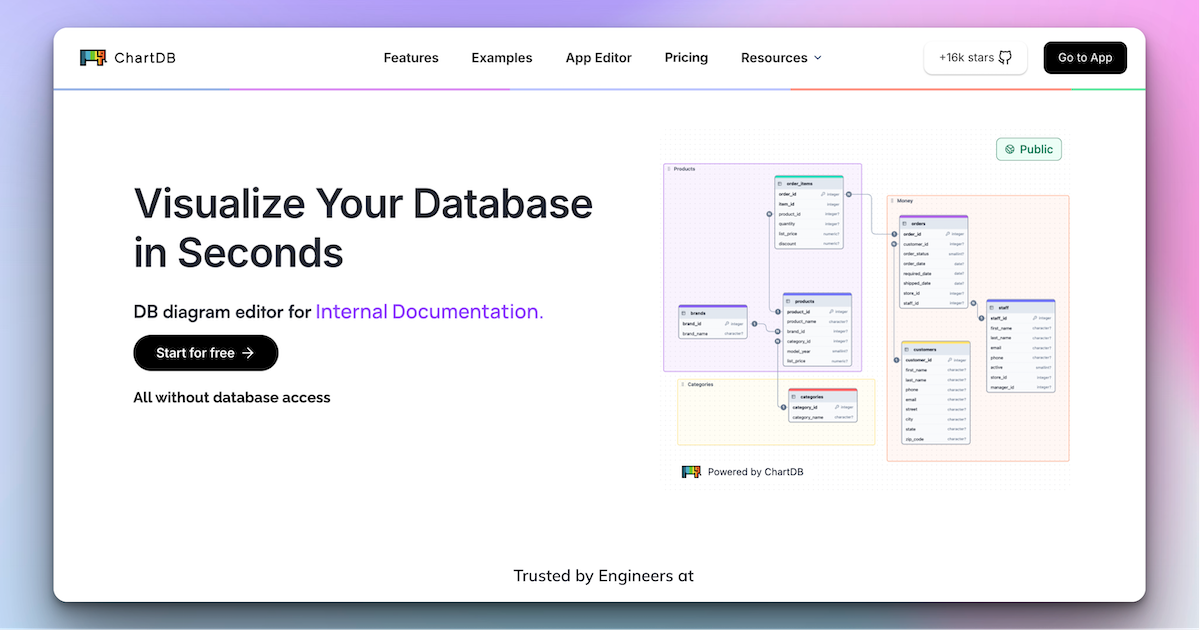
As someone who regularly inherits messy databases I’ve never designed, I’m always hunting for a faster way to see what’s actually going on. ChartDB kept popping up on GitHub, so I gave it a proper run. Here’s my honest review of this database schema diagram tool.
1. What Is ChartDB?
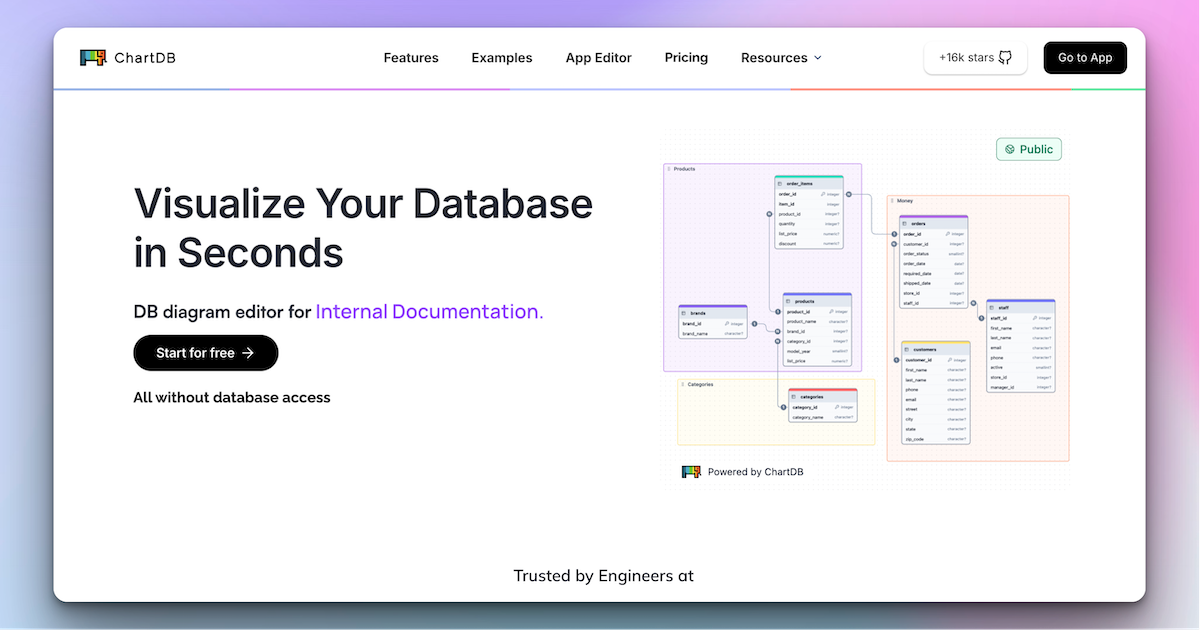
ChartDB is a database diagram and data-modeling tool that lets you visualize and design schemas with a single query. You can build ER diagrams, collaborate with your team in real time, and export clean DDL scripts. It comes in two flavors: a browser-based Cloud version and a free, open-source self-hosted edition (with 20k+ GitHub stars).
2. Who Is ChartDB Best For?
✅ Engineers inheriting unfamiliar databases
One query pulls your entire schema into a visual diagram in about 15 seconds — perfect for understanding a project you just joined.
✅ Teams that need shared documentation
Real-time collaboration plus embeddable, scalable docs make it easy to keep everyone aligned on the data model.
✅ Privacy-conscious or open-source-first shops
The self-hosted edition keeps full control over your data and setup, which matters for security-sensitive teams.
❌ People who never touch relational databases
If you don’t work with SQL schemas, there’s nothing here for you.
❌ Anyone needing live row-level data browsing
ChartDB visualizes structure, not your actual table contents — it’s a modeling tool, not a data browser.
3. Core Features Breakdown
3.1 Instant Schema Import
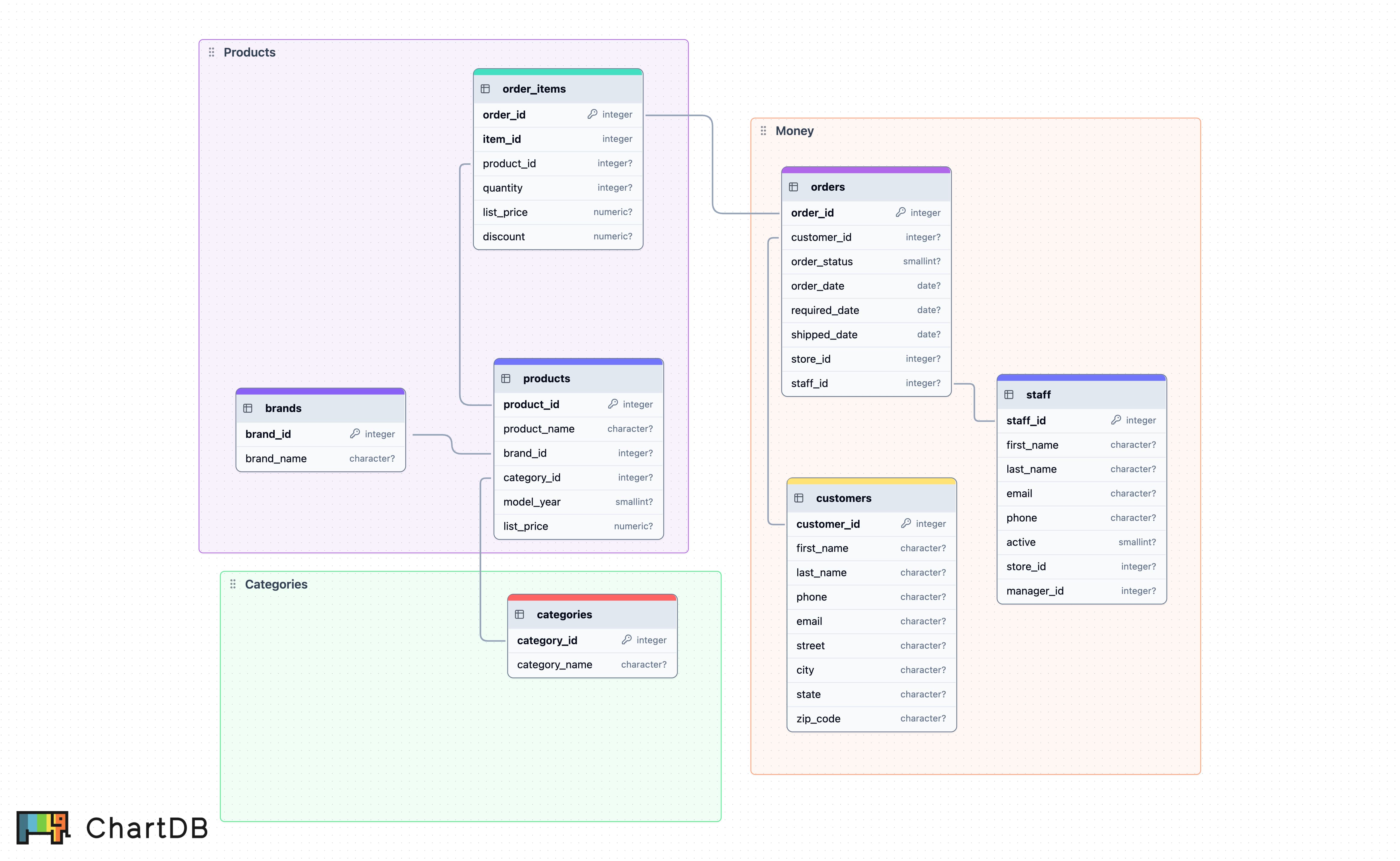
For each supported database, ChartDB provides a single query to fetch your entire schema, no database access credentials required on the Cloud side.
3.2 AI ER Diagram Generator
The built-in AI agent transforms a plain-text prompt into fully editable, optimized ER diagrams in seconds — handy for greenfield design.
3.3 Export & Sync
Generate clean DDL scripts in your preferred SQL dialect, export diagrams as images for docs, and keep diagrams automatically in sync with a live database, with diffs and version history to track changes.
3.4 Broad Database Support
It supports PostgreSQL, MySQL, MariaDB, SQL Server, SQLite, ClickHouse, CockroachDB, Oracle, Snowflake and BigQuery — covering most common stacks and warehouses.
4. Pricing
ChartDB is dual-licensed in practice: the self-hosted edition is free and open source (20k+ GitHub stars), while ChartDB Cloud offers paid plans with a free tier you can try without a credit card. Because Cloud tier prices can change, I’d check the current pricing page before committing — but the free self-hosted route means you can start at zero cost.
5. Pros & Cons
Pros: 15-second schema import, AI diagram generation, real-time collaboration, broad DBMS support, and a genuinely free open-source option. Cons: it’s structure-only (not a data browser), Cloud pricing isn’t fixed, and self-hosting requires some setup effort.
6. ChartDB vs dbdiagram.io
dbdiagram.io is a clean, popular DBML editor, but it leans on you writing the schema code. ChartDB’s edge is the one-query live import and AI generation, plus a self-hostable open-source core. If you want control and instant import from a real database, ChartDB pulls ahead; if you just want a quick code-first sketch, dbdiagram.io is lighter.
7. Final Verdict: Is ChartDB Worth It in 2026?
For engineers and teams who regularly work with relational databases, ChartDB is an easy yes — especially since you can start free with the open-source build. The instant import alone saves real time, and the AI generator and collaboration features round it out nicely. Just remember it models structure, not data.
Frequently Asked Questions
Does ChartDB modify my database? No — it reads your schema to visualize it and doesn’t alter your data.
Is ChartDB free? The self-hosted open-source edition is free; ChartDB Cloud has paid plans with a free tier.
Which databases does it support? PostgreSQL, MySQL, MariaDB, SQL Server, SQLite, ClickHouse, CockroachDB, Oracle, Snowflake and BigQuery.
Can I embed diagrams in tools like Notion or Confluence? Yes, ChartDB generates embeddable, shareable diagrams.
Can I generate diagrams with AI? Yes, the AI agent turns a text prompt into an editable ER diagram.
👉 Where to Get ChartDB
You can try ChartDB here: ChartDB.
Affiliate disclosure: this post contains an affiliate link, and I may earn a commission at no extra cost to you if you sign up through it.