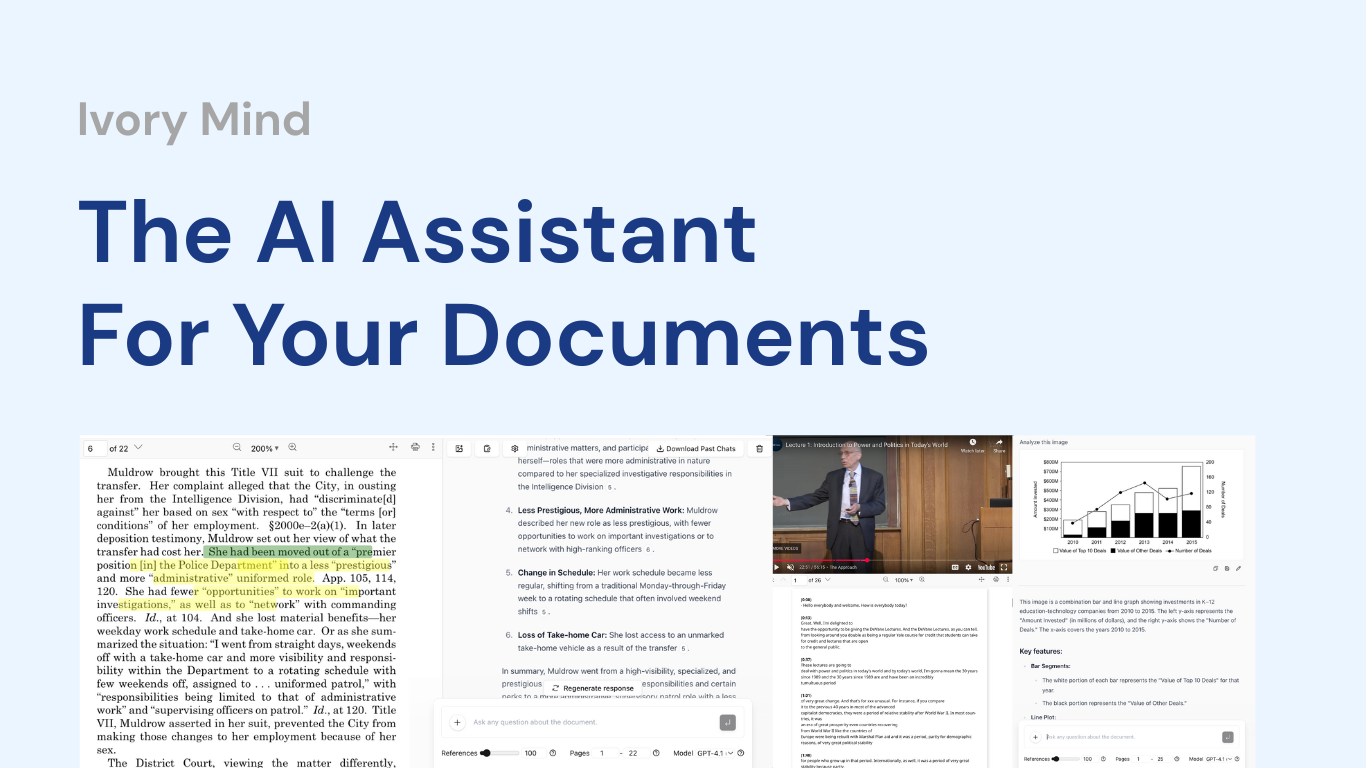
I’ve got folders full of PDFs, lecture recordings, and meeting notes I keep meaning to actually read. Ivory Mind promises to turn that pile into instant, cited answers — without the hallucinated nonsense that plagues general chatbots. I gave it a proper look. Here’s my honest Ivory Mind review for 2026.
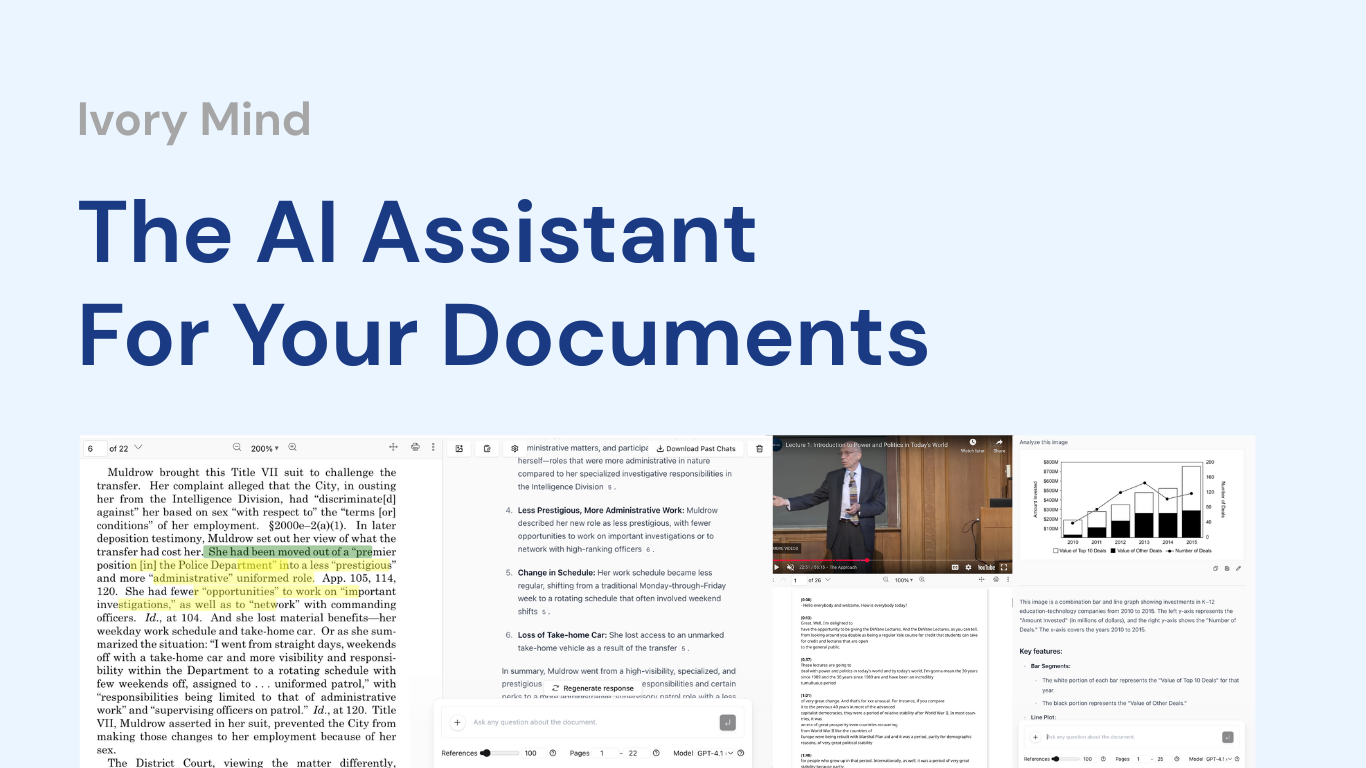
1. What Is Ivory Mind?
Ivory Mind is an AI assistant for your documents. You upload any document, lecture, video, or meeting and get instant summaries, key insights, and answers — each with clickable page-number citations from your actual files, so there are no fake citations or hallucinations. Beyond Q&A it bundles 8+ tools: auto-summarize, mind maps and diagrams, practice quizzes, flashcards, presentation generation, and audio/video transcription. It’s trusted by 500,000+ researchers, academics, and professionals, and you can start free with no credit card.

A quick note for students: tools like Ivory Mind are excellent for understanding material, studying, and reviewing — but use AI-generated summaries, quizzes, and content to support genuine learning, and always follow your school’s academic-integrity policies when submitting work.
2. Who Is Ivory Mind Best For?
✅ Students studying from lectures and textbooks
Auto-generated flashcards, quizzes, and summaries from your own slides and textbooks make it a powerful study companion.
✅ Researchers and academics buried in papers
Bulk-upload 100+ papers and search and query across all of them in one conversation, with citations back to the source.
✅ Professionals handling meetings and reports
Transcribe meetings, summarize reports, and generate memos, minutes, and presentations from your files in seconds.
❌ People who want a general web chatbot
Ivory Mind answers from your uploaded files, not the open web, so it’s not a replacement for a general-purpose assistant.
❌ Anyone needing a permanently free unlimited tool
You can start free, but heavy ongoing use will mean a paid subscription.
3. Core Features Breakdown
3.1 Cited, Hallucination-Free Answers
The headline feature: every response includes clickable page-number citations from your actual documents, so you can verify each claim and never worry about invented references.

3.2 Chat With 100+ Files at Once
Bulk-upload your entire document library — research papers, case files, textbooks — and search across all of them in a single conversation.
3.3 Study Tools: Quizzes, Flashcards & Mind Maps
Auto-generate interactive practice quizzes, flashcards, and visual mind maps and diagrams from any file — a genuine study accelerator.
3.4 Content Generation & Transcription
Instantly create presentations, reports, proposals, cover letters, meeting minutes, and memos from your files, and transcribe lectures, meetings, and podcasts into searchable, organized notes.
4. Pricing
Ivory Mind lets you try it free with no credit card required, then offers a single subscription that unlocks all 8+ AI tools for research, studying, and work. Exact plan prices can change and aren’t fixed on the homepage, so check Ivory Mind’s official pricing page for the current subscription cost and any free-tier limits before upgrading.
5. Pros & Cons
Pros: Reliable page-number citations with no hallucinations; chat across 100+ files at once; rich study toolkit (quizzes, flashcards, mind maps); content generation and transcription in one place; multilingual; free to start with no card; 500,000+ users.
Cons: Answers are scoped to your uploaded files, not the open web; serious use requires a paid subscription; students should use it within academic-integrity rules; output quality depends on the source material you upload.
6. Ivory Mind vs ChatGPT
ChatGPT is a brilliant general assistant, but it can hallucinate references and doesn’t natively keep a citation-backed library of your files. Ivory Mind is purpose-built for working with your documents: cited answers, bulk file chat, and study tools tied to your actual material. If you want open-ended general help, ChatGPT wins; if you want trustworthy, cited answers from your own documents plus study aids, Ivory Mind is the more focused tool. Many people use both for different jobs.
7. Final Verdict: Is Ivory Mind Worth It in 2026?
For students, researchers, and professionals who work from documents, my verdict is yes. Ivory Mind nails the two things that matter most — trustworthy citations and the ability to work across your whole library — and the study tools (quizzes, flashcards, mind maps) add real value on top. As long as you treat it as a learning and productivity aid (and respect academic-integrity rules), the free start makes it easy to test whether it fits your workflow.
Frequently Asked Questions
Does Ivory Mind hallucinate?
It’s designed not to — every answer includes clickable page-number citations from your actual documents so you can verify each claim.
How many files can I upload?
You can bulk-upload 100+ files — papers, textbooks, case files — and chat across all of them in one conversation.
Can I try Ivory Mind for free?
Yes — you can try it free with no credit card required, then subscribe for full access to all the tools.
What can Ivory Mind create?
Summaries, mind maps, diagrams, quizzes, flashcards, presentations, reports, memos, and transcriptions — all from your uploaded files.
Is Ivory Mind good for students?
Yes, for studying and understanding material. Just be sure to use AI-generated content within your school’s academic-integrity policies.
👉 Where to Get Ivory Mind
If you want cited, hallucination-free answers from your own documents plus study tools, you can try it free here: Try Ivory Mind free.
Affiliate disclosure: This post contains an affiliate link. If you sign up through it, I may earn a commission at no extra cost to you.