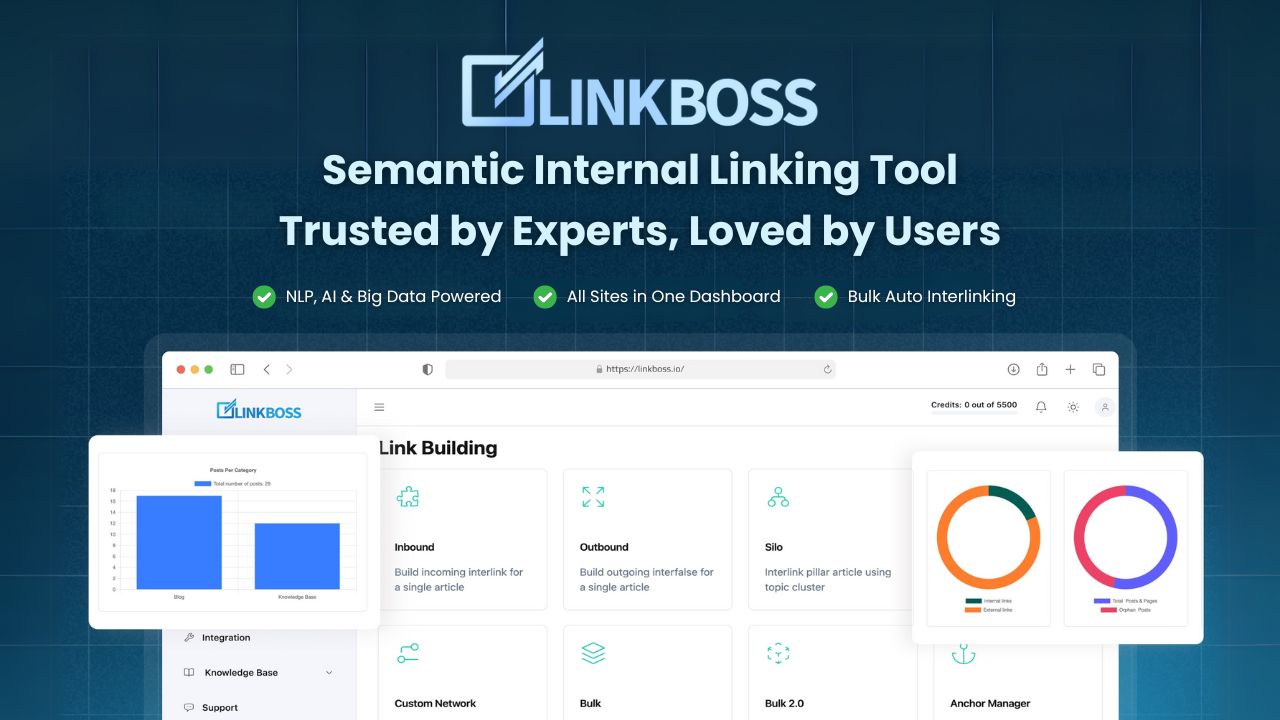
I run a network of content sites, and internal linking has always been the chore I put off until it became a crisis. Orphan pages piling up, anchor text cannibalizing itself, silos I meant to build but never finished. So when I kept seeing LinkBoss mentioned in serious SEO circles — Kyle Roof, ZimmWriter’s founder, semantic-SEO veterans — I finally signed up and put it through a real audit on one of my messier WordPress sites. Here’s my honest take after actually using it.
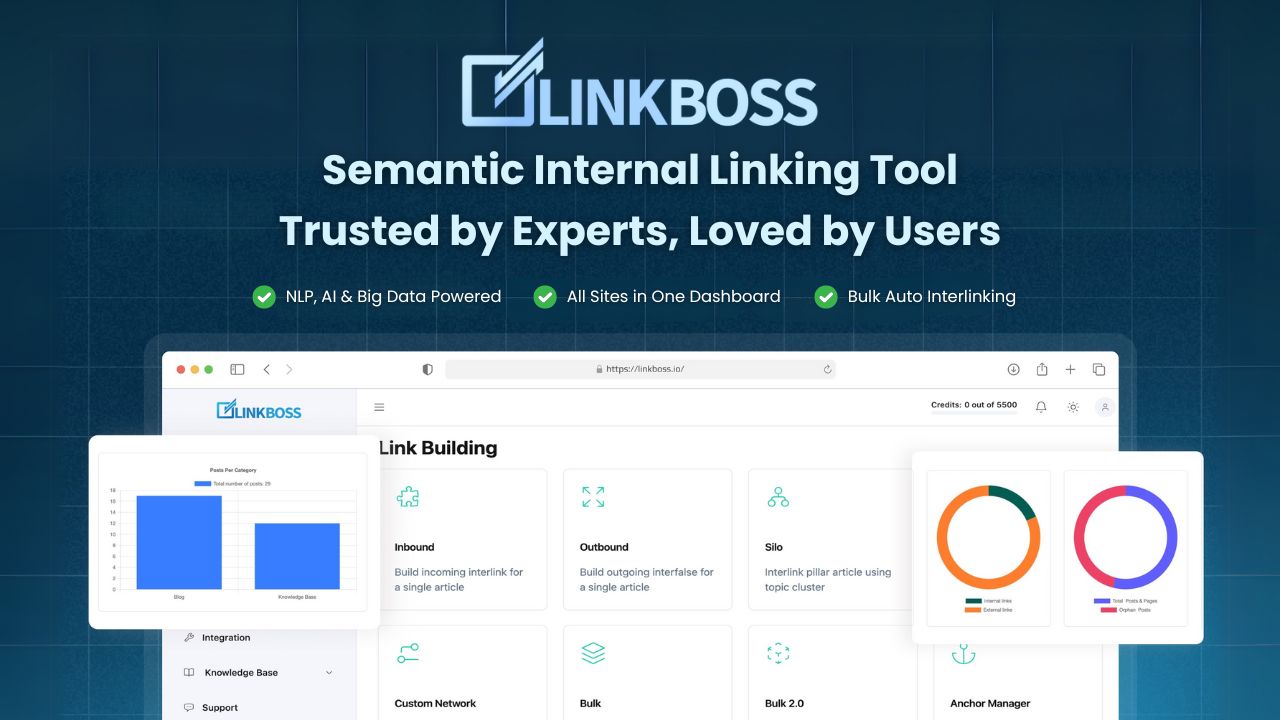
1. What Is LinkBoss?
LinkBoss is an AI-powered internal linking tool for SEOs and WordPress site owners. Instead of hunting for link opportunities manually, it uses NLP, AI, and big-data analysis to find semantically relevant places to interlink your content, then inserts contextual links in bulk — up to 2,000 interlinks in a single batch with its Bulk 2.0 pipeline. It also builds silo networks with one click, detects orphan and dead-end pages, flags anchor cannibalization, and audits your whole site structure. It’s used by 7,000+ SEOs, which tells you it’s built for people who do this at scale, not just one blog.
2. Who Is LinkBoss Best For?
✅ SEOs managing multiple content sites
If you’re juggling several sites, the bulk interlinking and multi-site plans (3, 10, even 50 sites) are where LinkBoss earns its keep. I linked hundreds of pages across a site in minutes that would have taken me a full weekend by hand.
✅ WordPress publishers with orphan-page problems
The orphan and dead-end page detection alone was worth the trial for me. It surfaced pages I’d completely forgotten were live and had zero internal links pointing to them.
✅ Silo-builders who never finish their silos
The one-click silo network builder is genuinely the standout feature. If you understand topical silos but hate the manual grunt work, this automates the part everyone skips.
❌ Bloggers with a tiny, brand-new site
If you have 10 posts, you don’t need this yet. The free plan (50 credits) is plenty to experiment, but the paid tiers assume you have real content volume to link.
❌ People who want zero automation in their linking
If you insist on hand-placing every single link and reviewing each one in isolation, an automated bulk tool will feel like it’s taking the wheel — even with the one-click undo.
3. Core Features Breakdown

3.1 Smart Pipeline Bulk Interlinking
The Bulk 2.0 “Smart Pipeline” mode automatically tries three different interlink placement methods until it finds the most natural fit, up to 2,000 links per batch. There’s a one-click undo button too, which took a lot of the fear out of running bulk operations.
3.2 Semantically Relevant, NLP-Optimized Anchors
This isn’t random keyword matching. LinkBoss picks anchor text and link targets based on semantic relevance, so the interlinks actually read naturally instead of looking spammy.
3.3 One-Click Silo Networks
Pick a silo preset, click once, and it builds the structure for you. LinkBoss bills this as an industry first, and after using it I understand the claim — nothing else I’ve tried automates full silo networks this cleanly.
3.4 Site Health, Audit & GSC Analytics
You get a site health score, full audit dashboard, orphan/dead-end detection, link duplication and cannibalization checks, plus Google Search Console-powered analytics (top keywords, week-over-week ranking movement, keyword cannibalization, new keyword discovery).
4. Pricing
Here’s the real, current pricing straight from LinkBoss. There’s a Free plan and a free 7-day trial, and all tiers are credit-based. Prices below are monthly (a Yearly option with a discount is also available):
Free — $0, 50 bonus credits on signup, 1 site, no credit card required.
Launch — $11/mo, 200 credits/month, 1 site, all features.
Scale — $37/mo, 1,000 credits/month, 3 sites (marked “Popular”).
Agency — $99/mo, 2,500 credits/month, 10 sites, live onboarding.
Dominator — $549/mo, 15,000 credits/month, 50 sites, live onboarding.
Links stay permanent forever even if you cancel, and there’s a 14-day money-back guarantee. Custom packages are available via support. Always confirm current pricing on the LinkBoss site, since credit allocations and plan details can change.
5. Pros & Cons
Pros: Genuinely fast bulk interlinking (up to 2,000/batch); semantically relevant anchors, not random; one-click silo networks are unique; solid orphan/cannibalization auditing; GSC analytics built in; one-click undo; permanent links; free plan and trial to test risk-free.
Cons: Credit-based pricing means heavy users can burn through allocations; overkill for very small sites; the Dominator tier is a big jump in price; automation-averse purists may want more manual control.
6. LinkBoss vs Link Whisper
Link Whisper is the best-known internal linking plugin and is great for suggesting links as you write. But LinkBoss leans harder into automation and scale: true bulk interlinking across thousands of links, one-click silo networks, GSC-powered analytics, and multi-site management. Link Whisper is a one-time-fee plugin that’s simpler and lives entirely inside your editor; LinkBoss is a subscription platform built for SEOs running multiple sites who want silos and audits automated. If you write one blog, Link Whisper may be enough. If you operate at scale, LinkBoss does more.
7. Final Verdict: Is LinkBoss Worth It in 2026?
For anyone managing real content sites, yes. LinkBoss solved the exact problems I’d been avoiding — orphan pages, unfinished silos, messy anchors — and it did it in minutes rather than a lost weekend. The credit model rewards you for being deliberate, and the free plan plus 7-day trial mean you can test it on your own site before spending a cent. The silo automation alone makes it stand out. If you take internal linking seriously, it’s worth a real trial.
Frequently Asked Questions
Does LinkBoss work with any site or just WordPress?
It’s built primarily for WordPress internal linking. Check LinkBoss support for current compatibility with other platforms.
What are credits?
Plans are credit-based — each interlinking or building action consumes credits, and each tier includes a monthly credit allocation (from 50 free on signup up to 15,000/month on Dominator).
Do the links stay if I cancel?
Yes. LinkBoss states that inserted links stay permanent forever, even after cancellation.
Is there a free version?
Yes — a Free plan with 50 bonus credits and a free 7-day trial, no credit card required to start.
Can it undo bulk changes?
Yes, there’s a one-click undo button for bulk interlinking operations.
👉 Where to Get LinkBoss
You can start free or explore the plans here: Visit LinkBoss.
Affiliate disclosure: This post contains an affiliate link. If you sign up through it, I may earn a commission at no extra cost to you. All opinions are my own based on hands-on use.