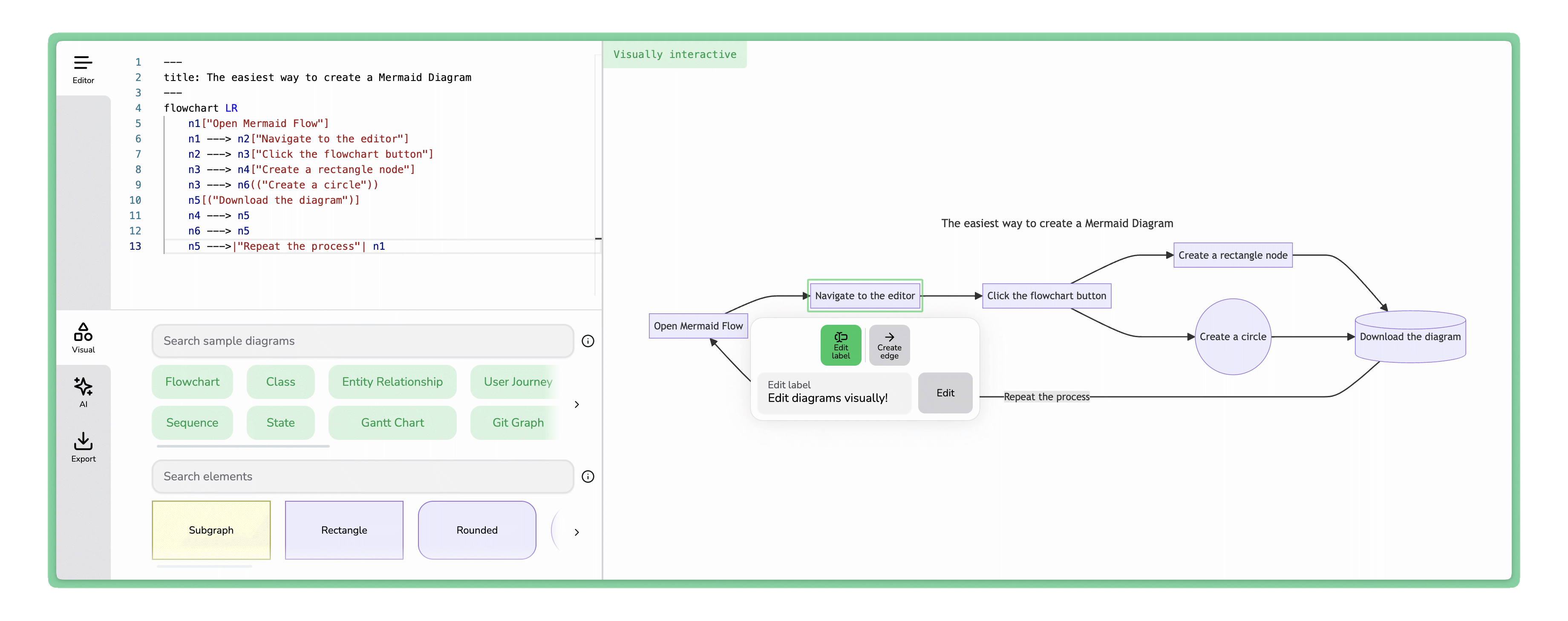
If you’ve ever tried to hand-write Mermaid.js syntax for a flowchart, you know the frustration: one misplaced arrow and the whole diagram breaks. Mermaid Flow flips that around — draw your diagram visually and it generates clean Mermaid code you can drop straight into a GitHub README. As someone who keeps architecture diagrams in version control, I had to try it. Here’s my honest review.
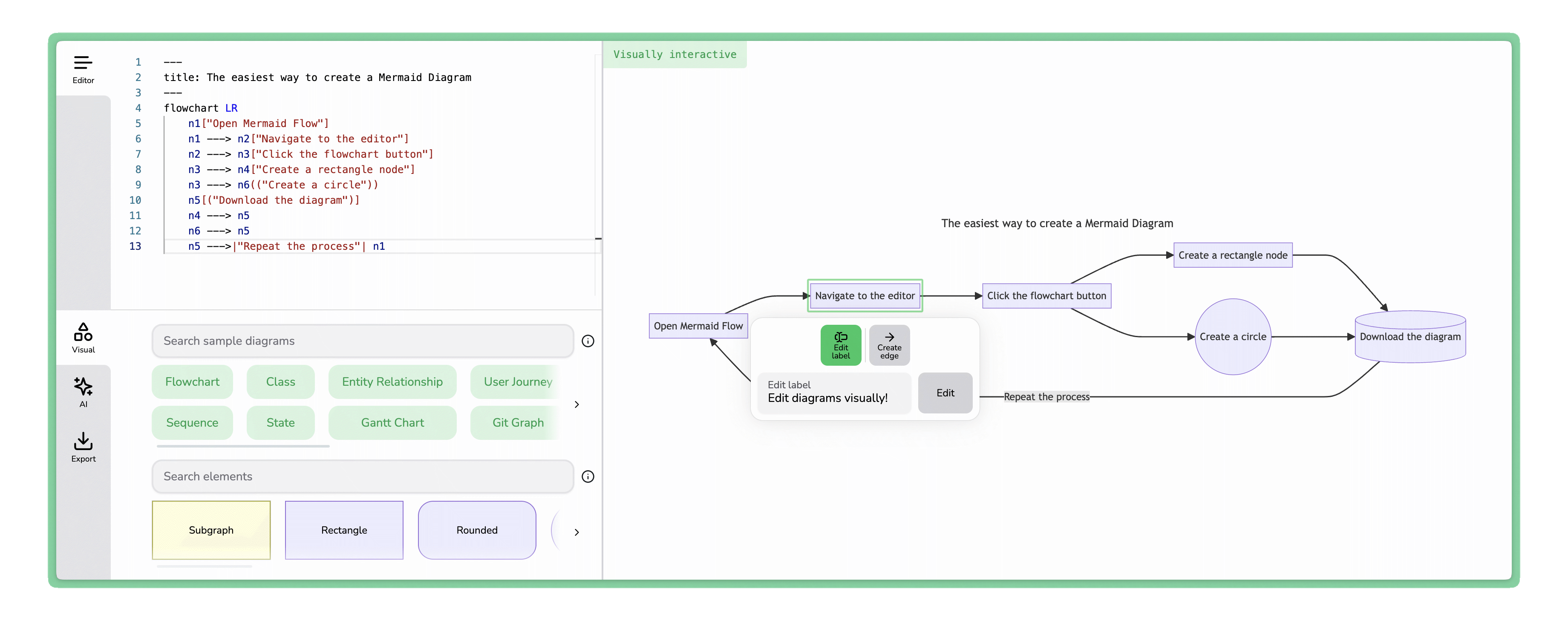
1. What Is Mermaid Flow?
Mermaid Flow (mermaidflow.app) is an online visual Mermaid live editor. It lets you create and maintain Mermaid.js diagrams by dragging and dropping nodes, edges and labels — then it generates the underlying Mermaid JS code, which renders directly in GitHub READMEs and can be stored and version-controlled like any other code. So you get the stability of version-controlled diagrams with the simplicity of just drawing. It’s also AI-powered: describe the diagram you want and it generates it in seconds. It’s used by 67,000+ people.
2. Who Is Mermaid Flow Best For?
✅ Developers documenting architecture
If you keep diagrams in your repo, Mermaid Flow gives you visual editing plus version-controllable Mermaid code — the best of both worlds.
✅ Technical writers fighting doc-rot
If your docs lag behind your code, text-based diagrams that live next to the code are far easier to keep current.
✅ Anyone who hates raw Mermaid syntax
If you like Mermaid’s output but not hand-coding it, the drag-and-drop editor removes the syntax headaches.
❌ Teams needing every diagram type visually today
Visual editing currently focuses on flowcharts (more types are planned), so if you need visual sequence/class diagrams right now, check current support.
❌ People who want a general design canvas
If you want freeform graphics rather than Mermaid-compatible diagrams, a tool like Figma or draw.io fits better.
3. Core Features Breakdown
3.1 Visual Drag-and-Drop Editor
Build flowcharts by dragging nodes, edges and labels — no need to memorize Mermaid syntax — while the app keeps the underlying code in sync.
3.2 Generates Version-Controllable Mermaid Code
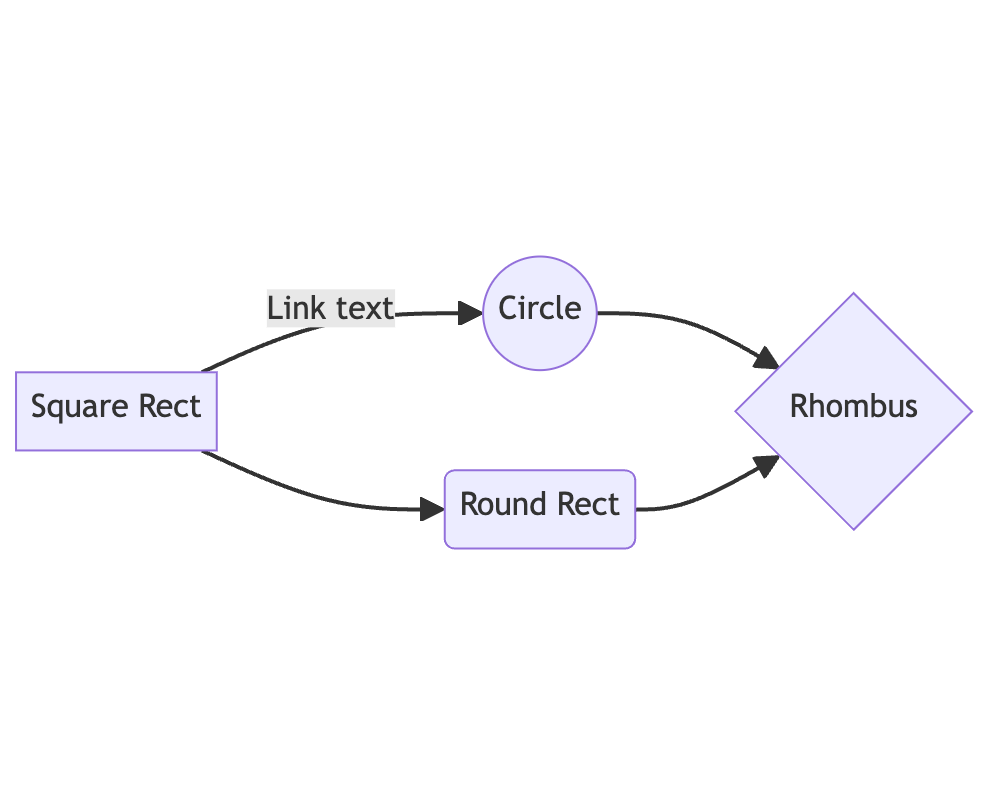
Every diagram outputs Mermaid JS code you can render in GitHub READMEs and commit to your repo, so diagrams stay in sync with development.
3.3 AI Diagram Agent
Powered by an advanced GPT model, the AI agent lets you describe a diagram in plain language and generate it instantly, or chat to modify and repair existing diagrams.
3.4 High-Quality Exports & Commercial Use
Premium adds unlimited saved diagrams, high-quality image exports, commercial use rights and an ad-free experience with priority support.
4. Pricing
Mermaid Flow has a Free plan for hobbyists (visual editor) and a Premium plan at $7.75/month billed annually ($92.99/year), or $10/month monthly. Premium unlocks unlimited saved diagrams, high-quality exports, commercial use, the full AI agent, ad-free use and priority support. Pricing can change, so confirm current rates on the site, but the free tier lets you try the visual editor first.
5. Pros & Cons
Pros: Visual editing that outputs real, version-controllable Mermaid code; renders in GitHub READMEs; AI agent to generate and repair diagrams; high-quality exports; affordable Premium ($7.75/mo annual); free tier; large user base.
Cons: Visual editing currently centers on flowcharts (more types planned); AI features and unlimited saves require Premium; it’s Mermaid-specific, not a general design tool; some features still listed as “coming soon.”
6. Mermaid Flow vs the Official Mermaid Live Editor
The official Mermaid Live Editor is free but code-first — you type Mermaid syntax and see it render. Mermaid Flow adds a true visual drag-and-drop layer plus an AI agent on top of that workflow, so you can build diagrams without writing syntax and still get clean, committable code. If you’re happy hand-writing Mermaid, the official editor suffices; if you want speed and visual editing, Mermaid Flow is the upgrade.
7. Final Verdict: Is Mermaid Flow Worth It in 2026?
For developers and technical writers who rely on Mermaid diagrams, Mermaid Flow is a genuinely useful tool in 2026 — it removes the syntax pain while preserving version-controlled, GitHub-ready output, and the AI agent speeds things up further. The visual editor’s flowchart focus is the main limitation, but at $7.75/month for Premium (with a free tier to start), it’s an easy recommendation for anyone who diagrams in code.
Frequently Asked Questions
What is Mermaid Flow?
It’s an online visual editor for Mermaid.js diagrams that lets you drag and drop to build flowcharts and generates committable Mermaid code.
Does it work with GitHub?
Yes — the generated Mermaid code renders directly in GitHub README files and can be version-controlled.
Is there a free plan?
Yes, a free plan with the visual editor; Premium is $7.75/month billed annually (or $10 monthly).
Does it have AI features?
Yes — an AI agent (powered by an advanced GPT model) generates, modifies and repairs diagrams from plain-language descriptions.
Which diagram types are supported?
Visual editing focuses on flowcharts today, with more types planned; all Mermaid types are supported via text and AI editing.
👉 Where to Get Mermaid Flow
You can start creating diagrams free here: Try Mermaid Flow →
Affiliate disclosure: This post contains an affiliate link. If you sign up through it, I may earn a commission at no extra cost to you. All opinions are my own and based on the publicly available product information.