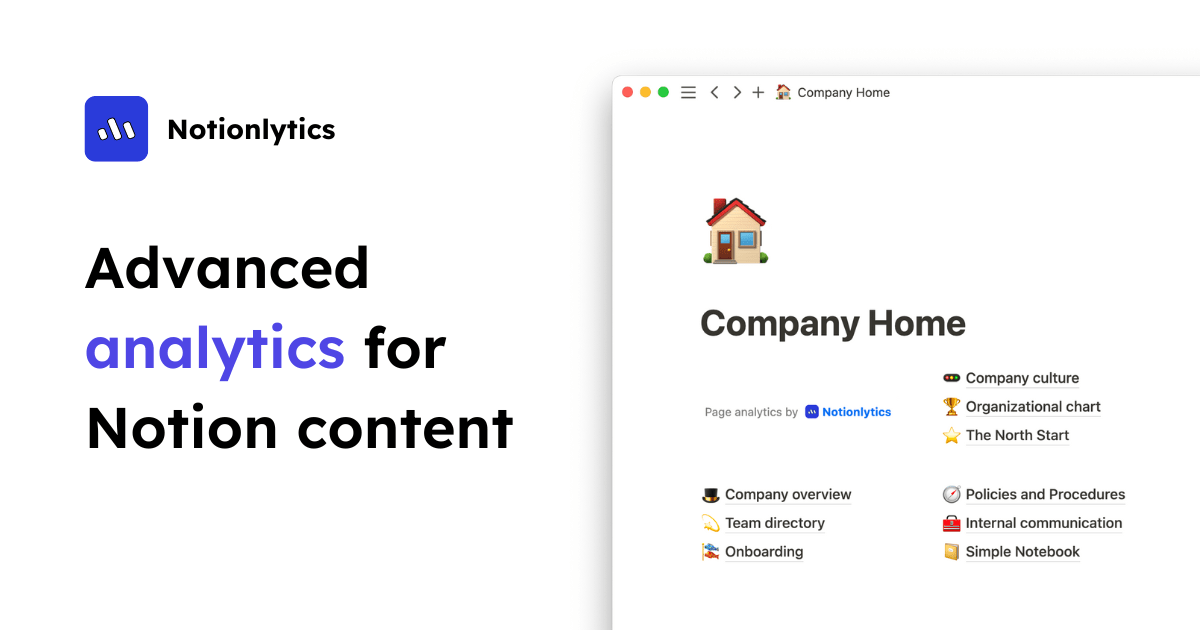
I use Notion for everything — a public docs hub, a shared data room for a project, a portfolio page — and I’d always wondered what actually happens after I hit “Share.” Who reads it? Which pages get ignored? Notion itself tells you nothing. So I connected Notionlytics and finally got answers. Here’s my honest review.
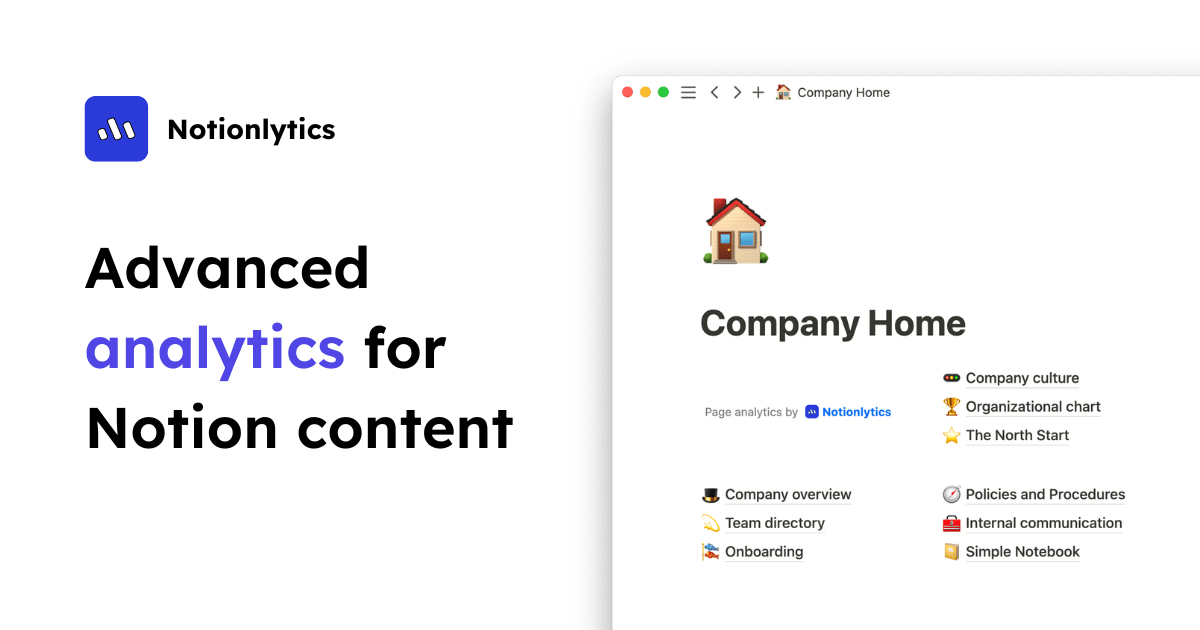
1. What Is Notionlytics?
Notionlytics is an analytics toolkit for Notion. It tracks content usage across your Notion pages, wikis, resource hubs, and shared documents, showing you key metrics about what people actually view and engage with. It works with any Notion plan and is compatible with both public and private pages. Think of it as Google Analytics for the Notion content you share — pitch decks, data rooms, resumes, product roadmaps, company wikis, and community knowledge bases.
2. Who Is Notionlytics Best For?
✅ Teams running a Notion wiki or knowledge base
If your team relies on Notion for documentation, Notionlytics shows which pages are useful and which are dead weight. That’s exactly why I started using it.
✅ Anyone sharing pitch decks or data rooms
Knowing whether an investor or client actually opened your shared page — and how far they read — is genuinely useful intel.
✅ Creators sharing public Notion pages
Portfolios, resumes, and public resource hubs finally get real view metrics instead of guesswork.
❌ People who don’t share Notion pages externally
If your Notion is purely private notes that nobody else sees, there’s little to analyze.
❌ Tiny personal setups on a zero budget
The value scales with how much shared content you have; for a single occasional page the paid plans may be more than you need.
3. Core Features Breakdown
3.1 Key Usage Metrics
You get a bird’s-eye view of your content — page views and engagement metrics that show what’s helpful and what isn’t, with real-time updates.
3.2 Interactive Widgets
Notionlytics adds reaction widgets and a customizable tracking widget you can embed in pages to collect feedback and usage data directly from readers.
3.3 Works With Any Notion Plan
It’s compatible with both public and private Notion pages and doesn’t require a specific Notion tier, so you don’t have to change your existing setup.
3.4 Built for Big Knowledge Bases and Small Docs Alike
Whether you’re tracking a massive company wiki or a single brief document, the tooling scales from individual pages up to unlimited pages on higher tiers.
4. Pricing
Notionlytics offers monthly or annual billing (annual saves ~17%). Here are the current monthly prices:
Pro — $10/mo. Up to 100 pages, reaction widgets, tracking widget customization, watermark removal.
Team — $30/mo. Unlimited pages, reaction widgets, tracking customization, watermark removal, priority support, 5 team members.
Business — $90/mo. Everything in Team, plus up to 100 team members.
Annual billing lowers the effective monthly cost. Confirm current pricing and page limits on the Notionlytics site before subscribing.
5. Pros & Cons
Pros: Fills a real gap — Notion has no native analytics; works with any Notion plan and both public/private pages; real-time metrics; embeddable reaction and tracking widgets; watermark removal on all paid tiers; clean, purpose-built for Notion.
Cons: Only useful if you share Notion content; unlimited pages require the $30+ tiers (Pro caps at 100); pricing is per-workspace value so light users may find it steep; adds a tracking layer you should disclose to readers where appropriate.
6. Notionlytics vs Google Analytics
You can bolt Google Analytics onto some Notion setups, but it’s clunky and not built for Notion’s structure. Notionlytics is purpose-built: it understands Notion pages, works on private pages GA can’t reach, and adds native reaction/tracking widgets. GA is more powerful for full websites; Notionlytics is far simpler and more relevant if Notion is your content platform.
7. Final Verdict: Is Notionlytics Worth It in 2026?
If you share Notion pages that matter — wikis, decks, data rooms, portfolios — then yes. Notionlytics answers the exact question Notion leaves blank: is anyone reading this, and what’s working? For me it turned “I hope people see this” into actual data. Start on Pro to test it, and step up to Team once you need unlimited pages. For serious Notion users, it’s an easy recommend.
Frequently Asked Questions
Does Notionlytics work with private Notion pages?
Yes — it’s compatible with both public and private Notion pages, and works with any Notion plan.
What can it track?
Content usage metrics like page views and engagement, plus feedback via reaction widgets and a customizable tracking widget.
Is there a free trial?
Check the Notionlytics site for current trial terms; paid plans start at $10/mo (Pro).
How many pages can I track?
Pro covers up to 100 pages; Team and Business include unlimited pages.
Can I remove the watermark?
Yes — watermark removal is included on all paid tiers.
👉 Where to Get Notionlytics
You can sign up and explore the plans here: Visit Notionlytics.
Affiliate disclosure: This post contains an affiliate link. If you sign up through it, I may earn a commission at no extra cost to you. All opinions are my own based on hands-on use. If you track reader activity, be transparent with your audience where appropriate.