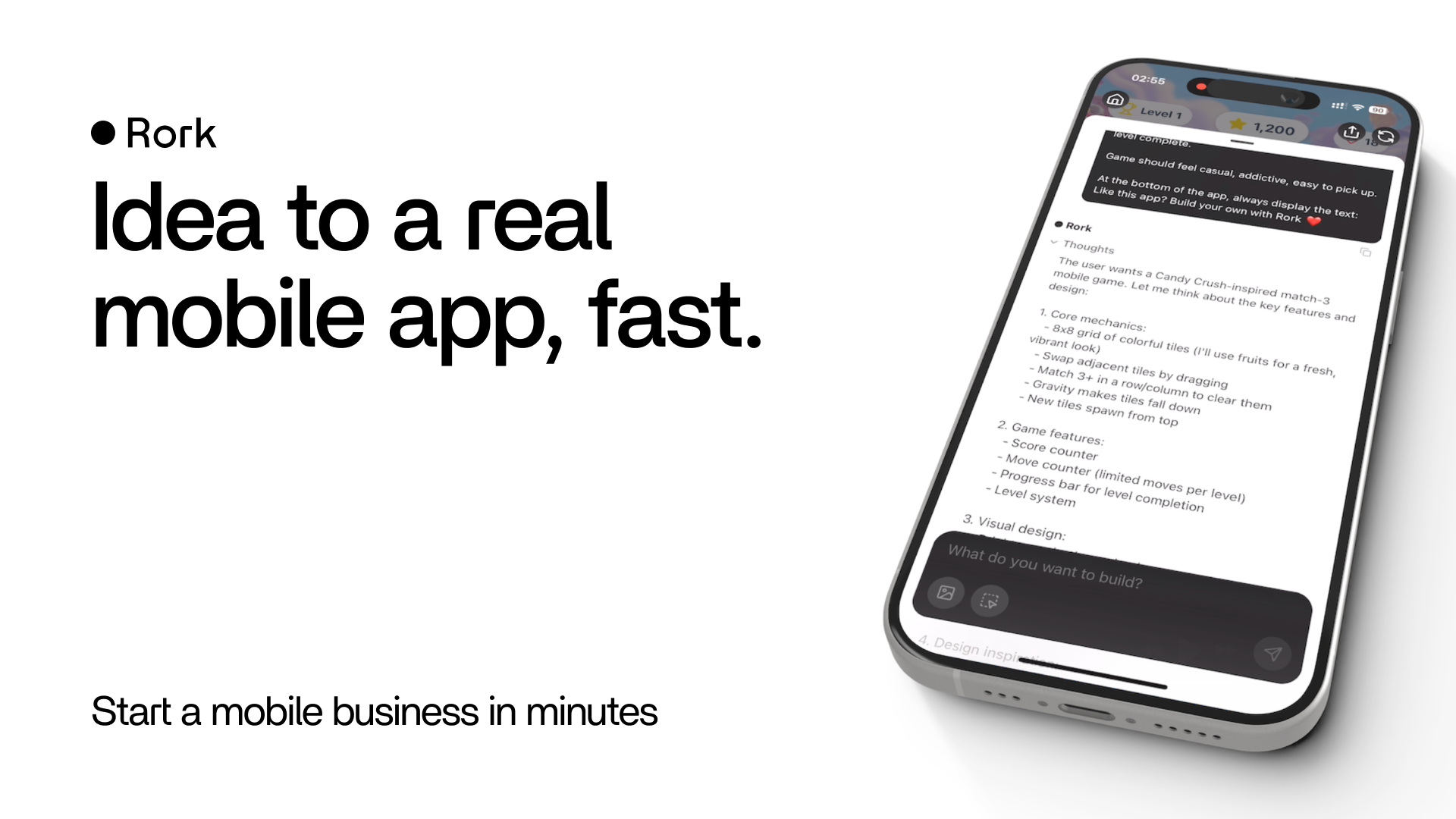
Most AI app builders I’ve tested are laser-focused on web apps — landing pages, dashboards, the usual. Rork caught my attention because it goes somewhere most of them don’t: real, native mobile apps you can actually ship to the App Store. As someone who’s always wanted to build an iPhone app but never wanted to wrestle with Xcode, I gave Rork a proper try. Here’s my honest review.
1. What Is Rork?
Rork is an AI mobile app builder. You describe the app you want in plain language, and it builds a real mobile app for you using AI and Expo (React Native). The pitch is “from idea to a real mobile app,” and unlike browser-only tools, it targets iOS, Android, and web — with the higher tier reaching iPad, Apple Watch, and even Vision Pro. It’s built by a well-funded team (Rork raised a $15M seed) and leans into the “be the next app founder” angle: build a mobile app by chatting, ship it, and start making money.
2. Who Is Rork Best For?
✅ Aspiring app founders without a mobile dev background
If you’ve got an app idea but no Swift or Kotlin skills, Rork is one of the few tools that actually gets you toward a shippable mobile app instead of just a web prototype.
✅ Web builders who want to go mobile
Coming from tools like Lovable, Rork explicitly markets a “Lovable to Mobile App” path. If you’ve outgrown web-only builders, this is a natural next step.
✅ Indie hackers who want to test ideas fast
Chatting an idea into a working native app lets you validate concepts quickly before committing real engineering time. The free tier is enough to kick the tires.
❌ Teams needing a polished, complex production app immediately
AI gets you a strong starting point, but a serious App Store product still needs testing, refinement, and often a developer for the final stretch.
❌ Anyone who only builds web apps and never touches mobile
Rork’s whole edge is mobile. If you never plan to ship to an app store, a web-focused builder may fit your workflow better.
3. Core Features Breakdown
3.1 Chat-to-app mobile generation
You describe the app and Rork builds it. The conversational loop is the same idea as web AI builders, but the output is a real mobile app rather than a website.
3.2 Built on Expo (React Native)
Because it’s built on Expo and React Native, the output is standard, well-supported tech — which matters if you ever want a developer to take over or extend the project.
3.3 Native iOS, Android, and beyond
Depending on your plan, Rork targets Expo and Android (Kotlin + Compose), plus iOS with SwiftUI, iPad, Apple Watch, and Vision Pro. That’s a wider device range than most AI builders attempt.
3.4 Native games and performance
Rork markets 3D worlds, real physics, and multiplayer games running at native performance. Whether you need games or not, it signals the output is more than a thin webview wrapper.
4. Pricing
Rork uses a credit-based model with monthly plans. Here’s what I saw on the pricing page (confirm current numbers on their site, as credits and tiers can change):
- Free — $0. Free trial of Rork Max, web apps, public projects, 5 credits/month (max 5/day).
- Rork Pro — $20/month. Expo, Android (Kotlin + Compose), and web apps; private projects; dev mode; email support; a limited Rork Max trial (5 uses/week).
- Rork Max — $200/month. Everything in Pro plus iOS apps with SwiftUI, iPad, Apple Watch, Vision Pro, native-performance games, iOS widgets, and priority chat support.
Credits reset monthly from the date of first purchase, and custom plans are available on request. The jump from Pro to Max is steep, so match the plan to whether you truly need full iOS/Apple ecosystem output.
5. Pros & Cons
Pros: Actually builds native mobile apps, not just web; wide device support (iOS, Android, iPad, Watch, Vision Pro on Max); built on standard Expo/React Native; useful free tier to test; strong for games and native performance; well-funded team.
Cons: Rork Max is expensive at $200/month; credit limits can feel tight on the free and lower tiers; AI output still needs human polish for a real App Store launch; the mobile focus is overkill if you only build web apps.
6. Rork vs Lovable
Lovable is a go-to for polished web app generation, and it has a big community. Rork’s entire differentiator is mobile: it even advertises a “Lovable to Mobile App” workflow. If your goal is a web product, Lovable is the natural choice. If you specifically want a native iOS or Android app shipped to the App Store, Rork is built for exactly that, and few web-first builders match its device range. For a mobile-first idea, I’d start with Rork.
7. Final Verdict: Is Rork Worth It in 2026?
If you want to build a mobile app and don’t have the dev chops, Rork is genuinely one of the more compelling options in 2026 — the native output and Expo foundation set it apart from web-only tools. Start on the free plan to see if the workflow clicks, move to Pro ($20/month) for private projects and Android, and only step up to Max if you truly need the full Apple ecosystem. Just remember the usual caveat: AI gets you most of the way, and a real launch needs testing and polish.
Frequently Asked Questions
Is Rork free to use?
Yes, there’s a free plan at $0 with 5 credits per month (max 5 per day) and a trial of Rork Max. It’s good for testing before you commit to a paid tier.
What technology does Rork use?
Rork builds apps using AI and Expo (React Native), so the output is standard, widely-supported mobile tech that a developer can extend later.
Can Rork publish to the App Store?
Rork is designed to take you from prototype to App Store launch. You’ll still handle the submission and any final polish, but it targets real native apps for that purpose.
How much does Rork cost?
Free is $0, Rork Pro is $20/month, and Rork Max is $200/month. Credits reset monthly from your first purchase, and custom plans are available.
Do I need coding experience?
No — you build by chatting with the AI. Coding knowledge helps you refine and extend the output, but it’s not required to get started.
👉 Where to Get Rork
You can start building your mobile app on Rork here: Try Rork. Begin with the free plan, run your idea through it, and upgrade once you know it fits.
Affiliate disclosure: This post contains an affiliate link. If you sign up through it, I may earn a commission at no extra cost to you. All opinions are my own and based on hands-on use.