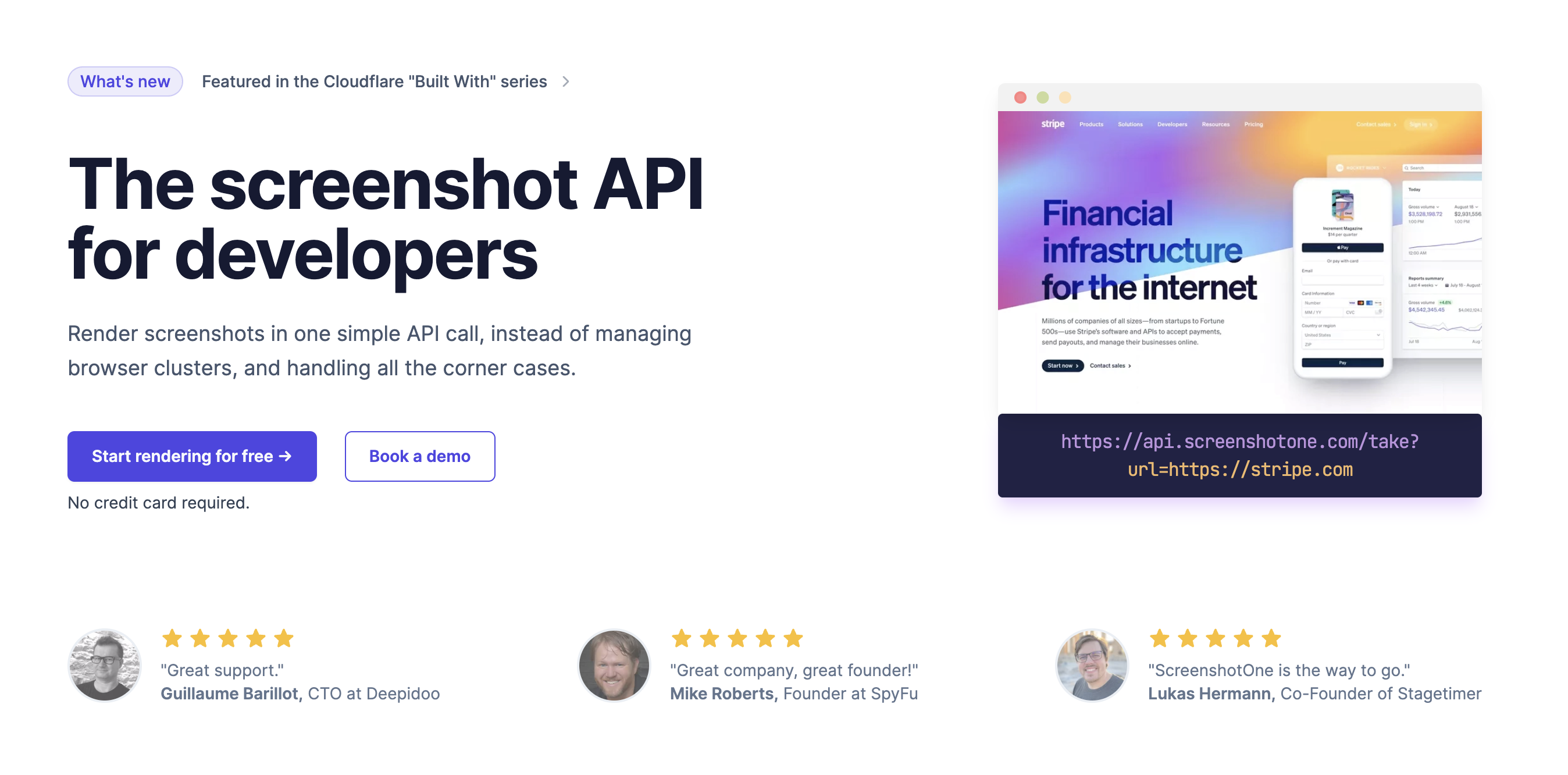
I’ve built a couple of side projects that needed automated website screenshots, and rolling your own with headless Chrome is a maintenance nightmare. ScreenshotOne promises to handle all of it through a single API, so I tested it. Here’s my honest review of this screenshot API for developers.
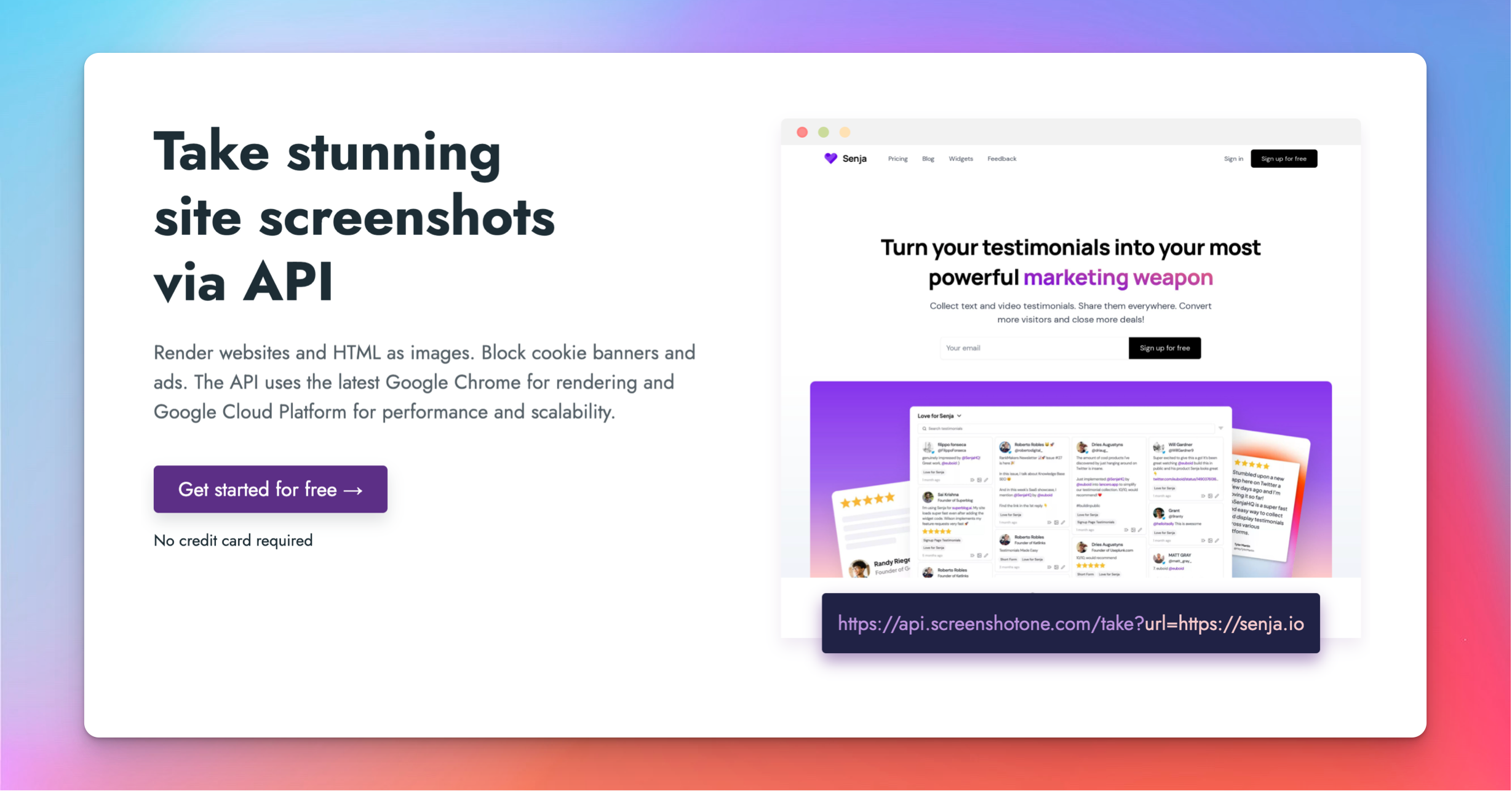
1. What Is ScreenshotOne?
ScreenshotOne is a screenshot rendering platform built for developers. With one API call you can render website screenshots, capture full pages, block cookie banners and ads, trigger lazy-loaded content, and upload the results to storage — without managing your own headless browser infrastructure. It bills itself as the best screenshot rendering platform for developers.
2. Who Is ScreenshotOne Best For?
✅ Developers automating screenshots
If your app needs to capture web pages programmatically, the API removes all the browser-wrangling work.
✅ SaaS teams generating previews or OG images
Great for link previews, social cards and thumbnail generation at scale.
✅ Builders who want clean captures
Automatic cookie-banner and ad blocking means screenshots come out tidy without manual cleanup.
❌ Non-developers needing a point-and-click tool
This is an API — you need to integrate it in code, not a browser extension for occasional captures.
❌ One-off manual screenshots
If you just need to grab a single image now and then, your OS screenshot tool is simpler.
3. Core Features Breakdown
3.1 Full-Page & Element Capture
Render full-page screenshots or target specific elements, with control over viewport, device emulation and output format.
3.2 Clean Captures
Automatically block cookie banners, chat widgets and ads so your screenshots look clean and consistent without manual editing.
3.3 Lazy-Load & Animation Handling
Trigger lazy-loaded content and wait for animations or selectors so the page is fully rendered before the capture is taken.
3.4 Storage Upload & Caching
Upload results directly to your own storage and use caching to avoid re-rendering identical requests, keeping things fast and cost-efficient.
4. Pricing
ScreenshotOne uses usage-based developer pricing with tiers based on the number of screenshots per month, and typically offers a free allowance to start. Because exact tier prices and limits can change, I’d check the current pricing page before committing — but you can prototype on the free allowance before scaling up.
5. Pros & Cons
Pros: single API replaces headless-browser maintenance, automatic cookie/ad blocking, full-page and element capture, lazy-load handling, direct storage upload, and clear developer docs. Cons: developer-only (requires coding), usage-based costs scale with volume, and it’s overkill for occasional manual screenshots.
6. ScreenshotOne vs Self-Hosted Headless Chrome
Running your own Puppeteer or Playwright fleet means provisioning servers, handling crashes, blocking banners yourself and scaling under load. ScreenshotOne hands you all of that as a managed API. You trade some low-level control for reliability and far less maintenance — usually the right call unless screenshots are your core product.
7. Final Verdict: Is ScreenshotOne Worth It in 2026?
For developers who need reliable automated screenshots, ScreenshotOne is a strong, time-saving choice, and the free allowance makes it easy to evaluate. The automatic clean-up features and storage integration are real differentiators over a DIY setup. It’s strictly a developer tool, but for that audience I think it’s well worth it.
Frequently Asked Questions
What does ScreenshotOne do? It renders website screenshots via API, including full pages, with cookie/ad blocking and storage upload.
Do I need to code? Yes — it’s an API for developers, integrated in your application.
Can it capture full pages? Yes, plus specific elements, with device and viewport control.
Does it remove cookie banners? Yes — it can automatically block cookie banners and ads for clean captures.
Is there a free option? It typically offers a free allowance to start, with usage-based paid tiers.
👉 Where to Get ScreenshotOne
You can try ScreenshotOne here: ScreenshotOne.
Affiliate disclosure: this post contains an affiliate link, and I may earn a commission at no extra cost to you if you sign up through it.