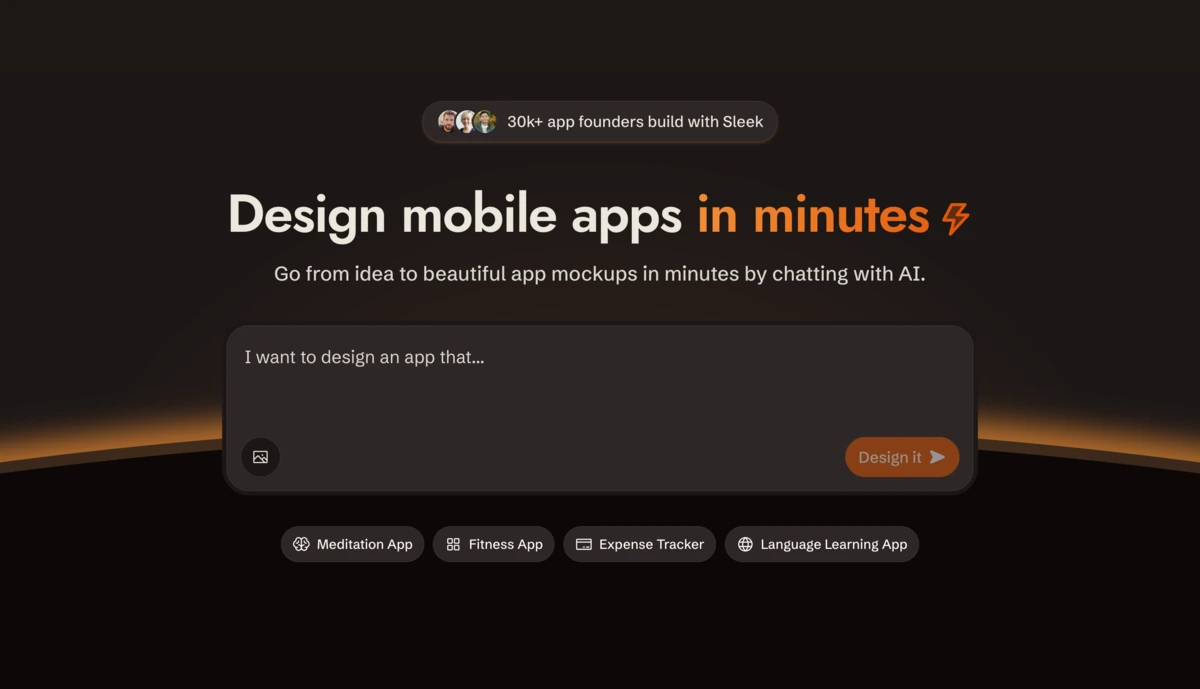
Designing a mobile app usually means one of two painful options: spend weeks learning Figma, or pay a freelance designer thousands and wait through endless revision cycles. Sleek pitches a third way — describe your app in plain language and let AI generate polished iOS and Android screens in minutes. As someone who’s burned both time and budget on app mockups, I had to test it. Here’s my honest review.
1. What Is Sleek?
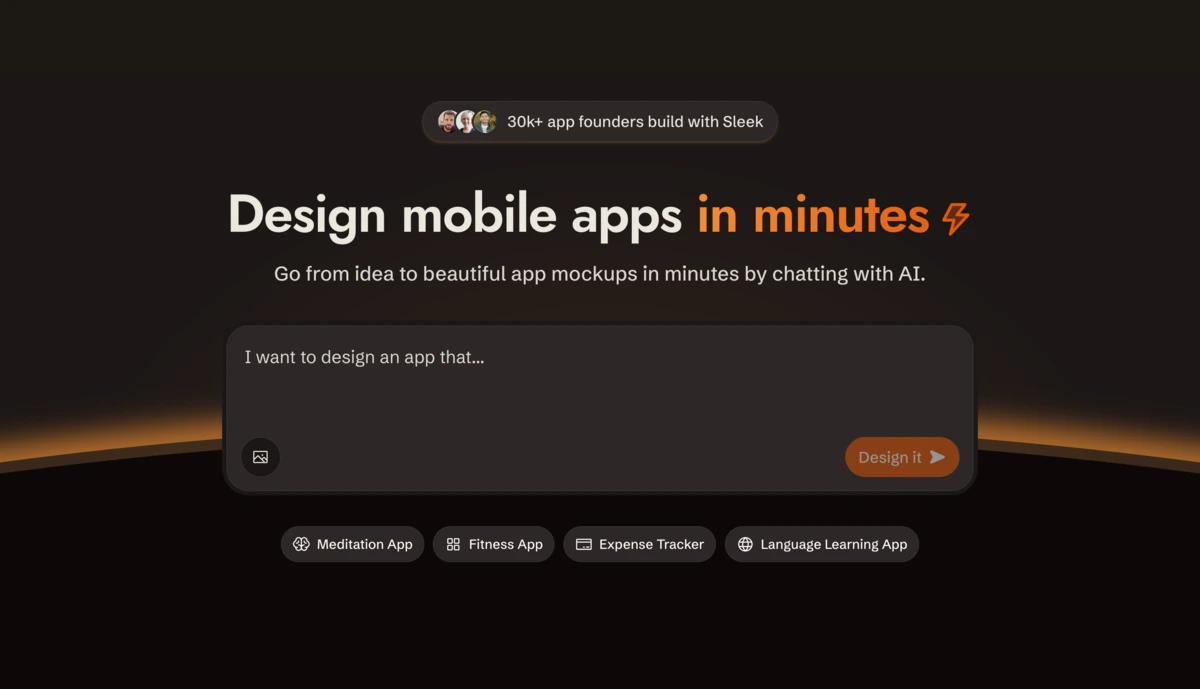
Sleek (sleek.design) is an AI mobile app designer. You describe your app idea or attach a reference image, and the AI generates complete mobile screens — layout, components, copy and styling — that you can edit visually and export to Figma or code. Crucially, it’s built specifically for mobile: every layout follows iOS Human Interface Guidelines and Material Design, with native navigation, accurate device dimensions and proper tap-target sizing, so the output looks like a real app, not a website squeezed onto a phone.
2. Who Is Sleek Best For?
✅ Non-technical founders
If you have an app idea but no design skills, Sleek lets you produce investor-ready screens without hiring anyone or learning Figma.
✅ Developers who hate designing
If you can build but dread UI work, you can generate screens and export straight to React with Tailwind CSS or to Figma.
✅ Teams using AI coding agents
If you work in Claude Code, Codex or Cursor, Sleek’s API and agent skill let the agent generate designs as part of the build.
❌ Designers wanting full manual craft from scratch
If you love hand-building every pixel in Figma, Sleek is a fast first draft, not a replacement for that process.
❌ Web or desktop-first projects
Sleek is mobile-specialized, so if you’re designing primarily for desktop web, a general UI tool fits better.
3. Core Features Breakdown
3.1 Generate Screens From a Prompt
Describe your app (or attach an image) and Sleek’s AI produces complete mobile screens with layout, hierarchy, components, copy and styling — including distinct aesthetics like glassmorphism, neo-brutalism or soft-clay 3D.

3.2 Visual Editing & Iteration
Nothing is locked. You can refine any generated screen visually, iterating quickly until the interface matches your vision without starting over.
3.3 Export to Figma or Code
Every plan includes one-click export to Figma, where designs land as native, editable layers (no plugin needed). You can also export to HTML or React with Tailwind CSS and own the output.
3.4 AI Agent Integration & Templates
Sleek has an API and an agent skill so tools like Claude Code, Cursor and Codex can drive it directly — creating a project, generating screens and pulling back Figma layers or React code. A templates library lets you fork existing layouts too.
4. Pricing
Sleek offers a free plan (1 project and limited AI usage, no credit card) so you can try the full design flow. Paid tiers add unlimited projects, more AI credits and team features, with the top plan listed at $69.99 across four offer levels. Because the exact tier breakdown can change, check the current plans on Sleek’s pricing page — but the free plan makes it easy to test first.
5. Pros & Cons
Pros: Purpose-built for mobile (follows iOS/Material guidelines); generates full screens from a prompt; one-click native Figma export plus React/Tailwind code; works with Claude Code, Cursor and Codex; free plan to start; multiple design aesthetics and a template library.
Cons: Mobile-only focus (not for desktop web); free plan limited to 1 project; AI output still needs refinement for production polish; designers may see it as a starting point rather than a full tool.
6. Sleek vs Figma & Generic AI UI Tools
Figma gives total manual control but you build every screen by hand; generic AI UI generators (like v0 or Uizard) cover mobile as an afterthought and often produce cropped-website layouts. Sleek’s edge is mobile specialization — real app conventions and device sizing — plus the ability to export native Figma layers or React code. Use Figma for deep manual work; use Sleek to go from idea to a credible mobile first draft fast.
7. Final Verdict: Is Sleek Worth It in 2026?
For founders, developers and anyone who needs mobile app designs without the Figma learning curve or freelance wait, Sleek is a genuinely useful tool in 2026. The mobile-first focus and clean Figma/code export set it apart from generic AI design tools, and the agent integration is forward-looking. It’s a fast first draft rather than a final design system, but with a free plan to test, it’s an easy recommendation for getting an app idea on screen quickly.
Frequently Asked Questions
What is Sleek?
It’s an AI mobile app designer that turns a prompt or reference image into editable iOS and Android screens you can export to Figma or code.
Is Sleek free to use?
Yes — the free plan includes 1 project and limited AI usage with no credit card; paid plans add unlimited projects and more.
Can I export to Figma or code?
Yes. One-click export drops designs into Figma as native layers, and you can also export HTML or React with Tailwind CSS.
Does it work with AI coding agents?
Yes — via its API and agent skill, Claude Code, Codex and Cursor can drive Sleek to generate designs directly.
Do I need design experience?
No. Sleek is built for founders, PMs, marketers and developers who want app designs without spending hours in Figma.
👉 Where to Get Sleek
You can try the free plan and start designing here: Try Sleek →
Affiliate disclosure: This post contains an affiliate link. If you sign up through it, I may earn a commission at no extra cost to you. All opinions are my own and based on the publicly available product information.