I’ve tried just about every note-taking and “second brain” app out there, and most of them turn into a graveyard of links I never look at again. Sublime takes a different angle — it’s less a database and more a place for the things that make you go “whoa,” with a recommendation engine that surfaces related ideas. As a chronic collector of inspiration, I had to try it. Here’s my honest review.
1. What Is Sublime?
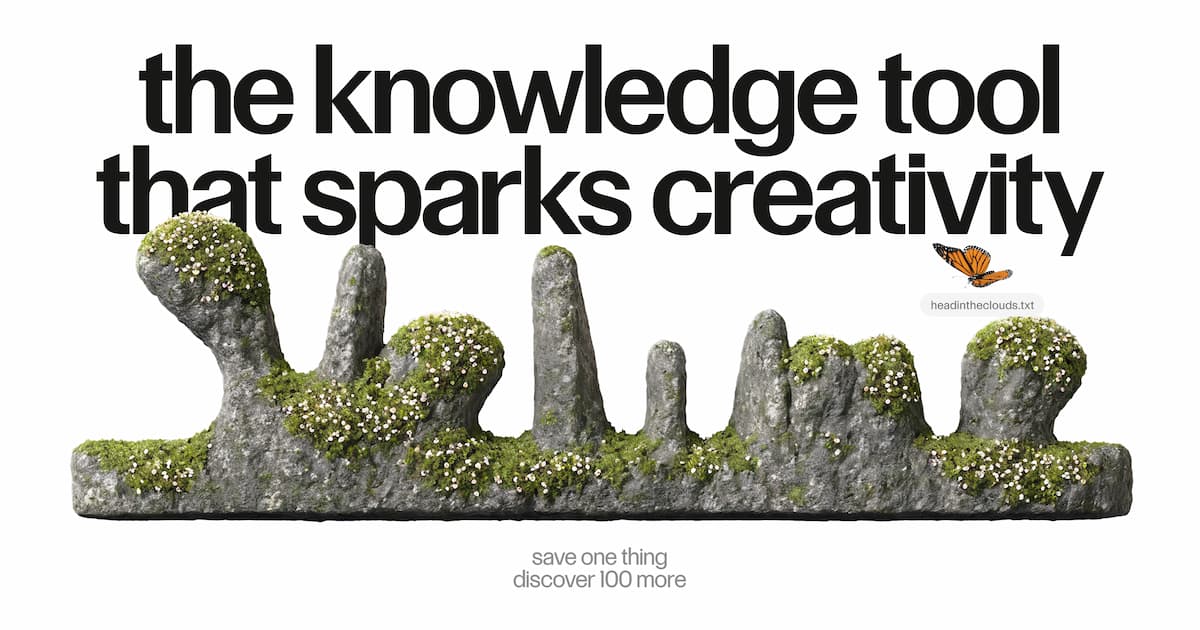
Sublime (sublime.app) is a personal knowledge management tool — a “second brain with a soul” — built for creative people rather than corporate note-takers. You save anything that inspires you (articles, PDFs, social posts, podcasts, highlights, images, books) from the web, a browser extension or iOS, and Sublime gives those ideas one home where they can connect and grow. It leans into discovery: save one idea and it points you to a hundred related ones other people found fascinating.
2. Who Is Sublime Best For?
✅ Writers, designers and creatives
If your work runs on references — a sentence that sings, a typeface, an ad you didn’t skip — Sublime is purpose-built to hold and resurface that taste.
✅ Serial inspiration collectors
If you save things everywhere and never revisit them, the related-ideas engine and contextual search make your collection actually useful.
✅ People who import from Readwise, Kindle & X
If you already highlight and save elsewhere, Sublime imports from Kindle, X, Instagram and Readwise in a few clicks.
❌ Teams wanting a structured wiki
If you need a rigid, collaborative knowledge base with databases and permissions, a tool like Notion fits better.
❌ Minimalists who want plain notes
If you just want a barebones notes app, Sublime’s discovery-first approach may be more than you need.
3. Core Features Breakdown
3.1 Capture From Anywhere
Save articles, PDFs, social posts, podcasts, audio, video, highlights, images and books from the web, browser extension or iOS — everything you collect lands in one home.
3.2 Related Ideas (Discovery Engine)
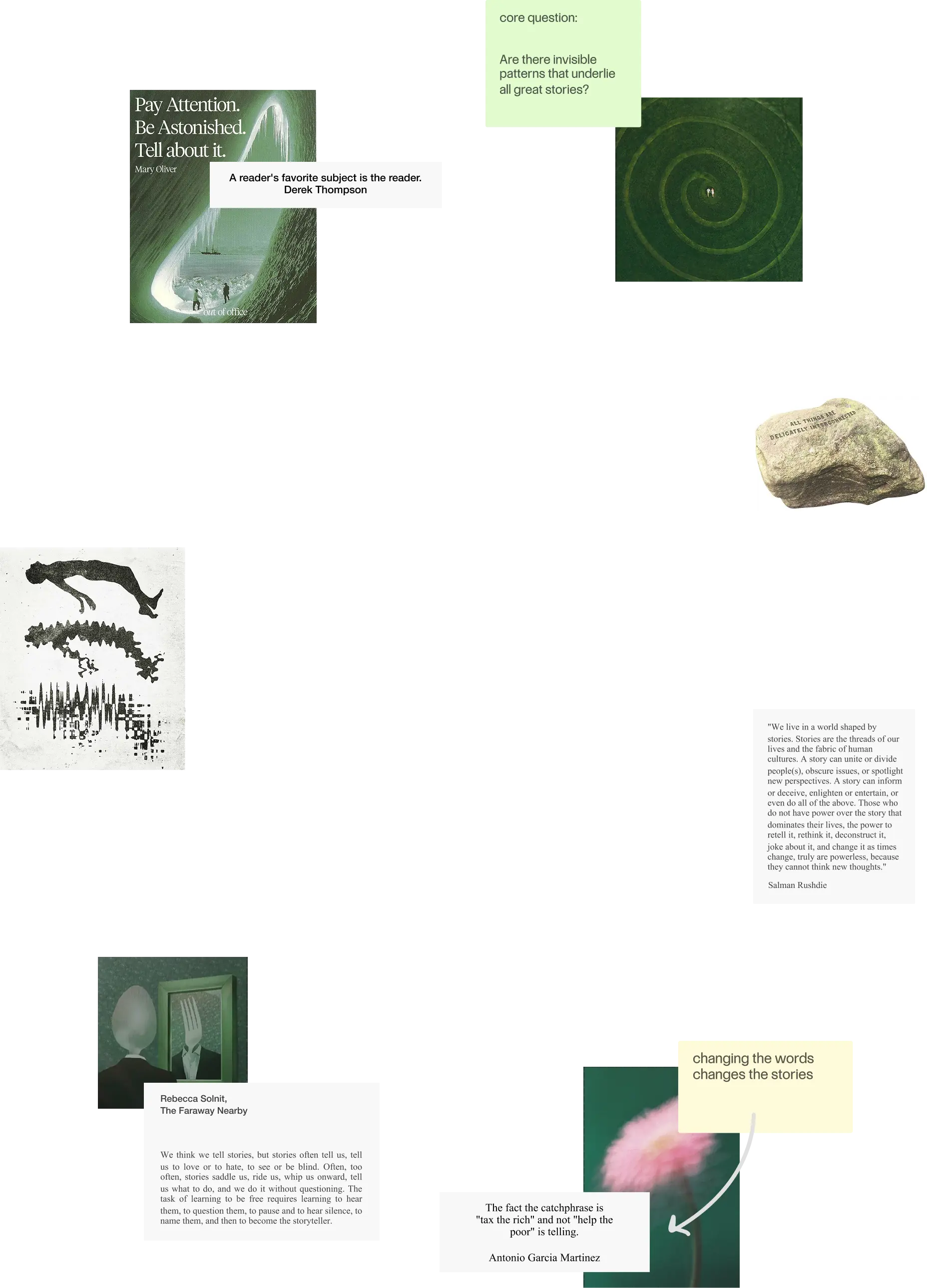
This is Sublime’s signature: turn any saved idea into a universe of hand-curated, related ideas that other people found fascinating — so you keep discovering, not just hoarding.
3.3 Search the Way You Think
Find things by context, feeling or half-remembered details rather than exact keywords — search that works the way memory actually does.
3.4 Create & Share (Canvas + Public Library)
Bring saved ideas into the tools you already use — Google Docs, ChatGPT, Claude — or arrange them on Canvas, an infinite whiteboard. You can keep ideas private or build a public library, with no likes, comments or pressure.
4. Pricing
Sublime follows a freemium model — the site puts it as “free until you can’t live without it,” so you can start collecting and using the core features for free, with paid upgrades for heavier use. Because the exact paid tiers can change, check the current plans on Sublime’s site; the free entry point makes it easy to test whether its discovery approach clicks for you.
5. Pros & Cons
Pros: Beautiful, creative-first design; unique related-ideas discovery engine; capture from web, extension and iOS; imports from Kindle, X, Instagram, Readwise; context/feeling-based search; Canvas whiteboard; integrates with Google Docs, ChatGPT and Claude; free to start.
Cons: Not built for structured team wikis; discovery-first approach is a different mental model than plain notes; exact paid pricing isn’t prominently listed; iOS-focused mobile (check platform availability for your devices).
6. Sublime vs Notion
Notion is a flexible, structured workspace — databases, wikis, team docs — great for organizing known information. Sublime is the opposite philosophy: it’s built for serendipity, helping you rediscover and connect inspiration rather than file it away. If you want a rigid second brain you maintain manually, Notion wins; if you want a place that actively resurfaces your taste and feeds you related ideas, Sublime is the more delightful fit.
7. Final Verdict: Is Sublime Worth It in 2026?
If you’re a creative whose best work starts from references and a point of view, Sublime is one of the most thoughtful knowledge tools around in 2026. The related-ideas engine and feeling-based search genuinely solve the “save and forget” problem that plagues other apps. It’s not a corporate wiki and doesn’t try to be. With a free tier to start, it’s well worth trying if you collect inspiration for a living.
Frequently Asked Questions
What is Sublime used for?
It’s a personal knowledge tool for saving, connecting and rediscovering anything that inspires you — articles, PDFs, social posts, highlights and more.
Where can I save from?
From the web, a browser extension or iOS, plus imports from Kindle, X, Instagram and Readwise.
Is Sublime free?
Yes — it’s free to start (“free until you can’t live without it”), with paid upgrades for heavier use.
Does it integrate with other tools?
Yes — you can bring saved ideas into Google Docs, ChatGPT and Claude, or lay them out on the Canvas whiteboard.
How is its search different?
You can search by context, feeling or half-remembered details rather than exact keywords.
👉 Where to Get Sublime
You can start collecting for free here: Try Sublime →
Affiliate disclosure: This post contains an affiliate link. If you sign up through it, I may earn a commission at no extra cost to you. All opinions are my own and based on the publicly available product information.