I’m not a full-time designer, but I mock up interfaces constantly — and the slow part is never the ideas, it’s dragging boxes around in Figma for an hour. UX Pilot promises to collapse that into seconds with AI: idea in, wireframes and hi-fi screens out. That’s a bold claim, so I tested it against a few real screens. Here’s my honest review.
1. What Is UX Pilot?
UX Pilot is an AI-powered UX/UI design tool. You start from a sketch, a thought, or an imported PRD, and it generates structured wireframes and high-fidelity screens — then hands off export-ready code. It also ships “Nodey,” an AI design agent for Figma, and tools for flowcharts and design-system-aware generation. The pitch is “design in minutes, not weeks,” and it claims 1M+ users and 12,000+ designers on its yearly plan.
2. Who Is UX Pilot Best For?
✅ Product teams that need to move fast
If you’re iterating on app flows under deadline, generating low-to-hi-fi screens in seconds beats hand-building each one. The speed is the whole point.
✅ Founders and PMs without a dedicated designer
Non-designers can go from a PRD or rough idea to a presentable interface, which is huge when you need something to show before you have design headcount.
✅ Figma users who want an AI co-pilot
The Nodey Figma agent means you don’t have to leave your existing workflow — a real plus if your team already lives in Figma.
❌ Designers wanting pixel-perfect, fully bespoke craft
AI gets you a strong draft, but highly custom, brand-precise work still needs a human designer’s hand for the final polish.
❌ Anyone on a hard zero budget beyond a few screens
The free tier caps at 7 screens and 45 one-time credits. Real, ongoing work will need a paid plan.
3. Core Features Breakdown
3.1 Rapid AI wireframing
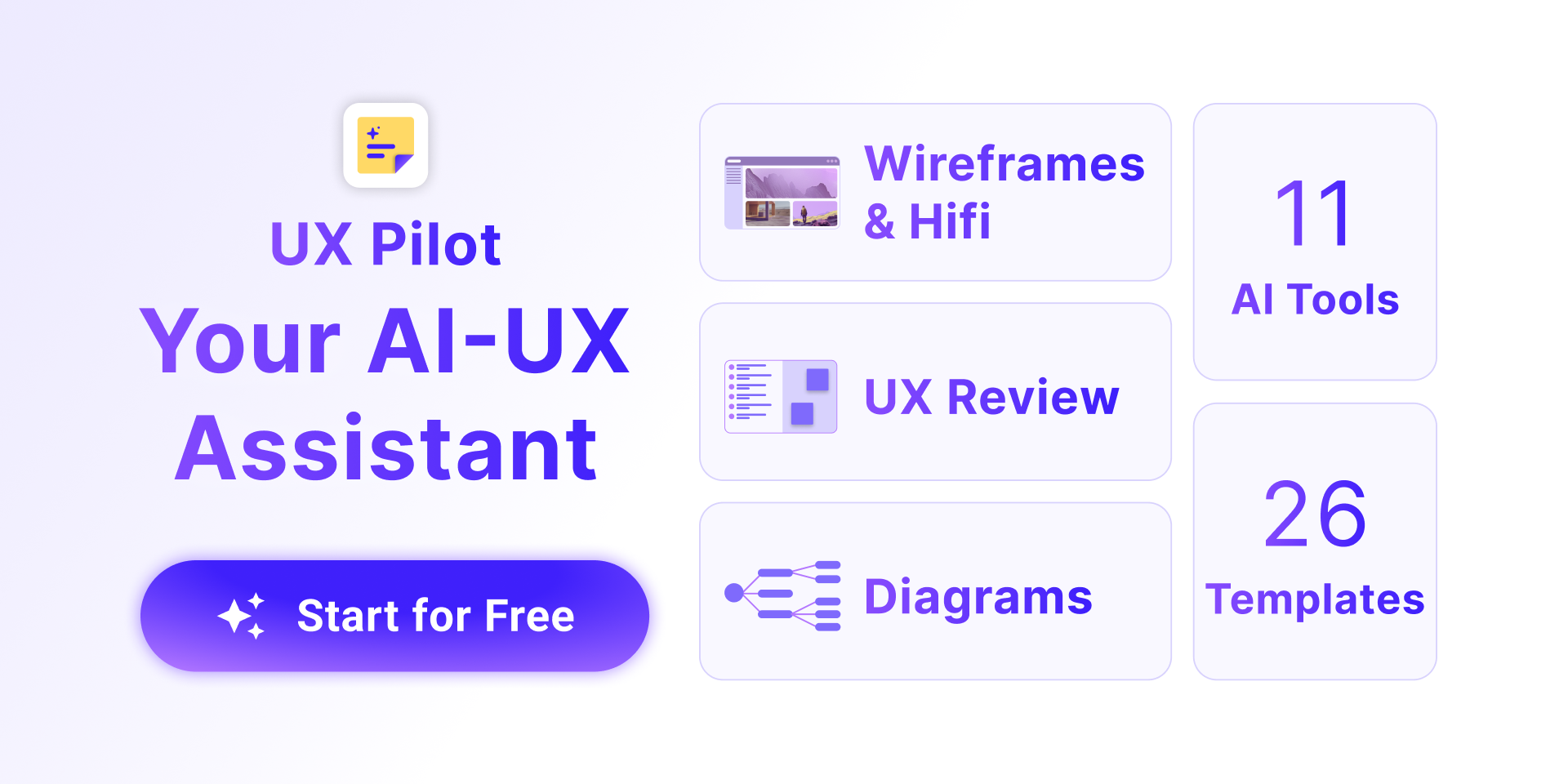
Instead of block-drawing, UX Pilot auto-generates structured low-to-high fidelity wireframes using UX patterns that suit your flow. This is where it saves the most tedious time.
3.2 One-click hi-fi generation
You can transform wireframes into high-fidelity screens in one step, turning rough structure into something presentable fast.
3.3 Export-ready code
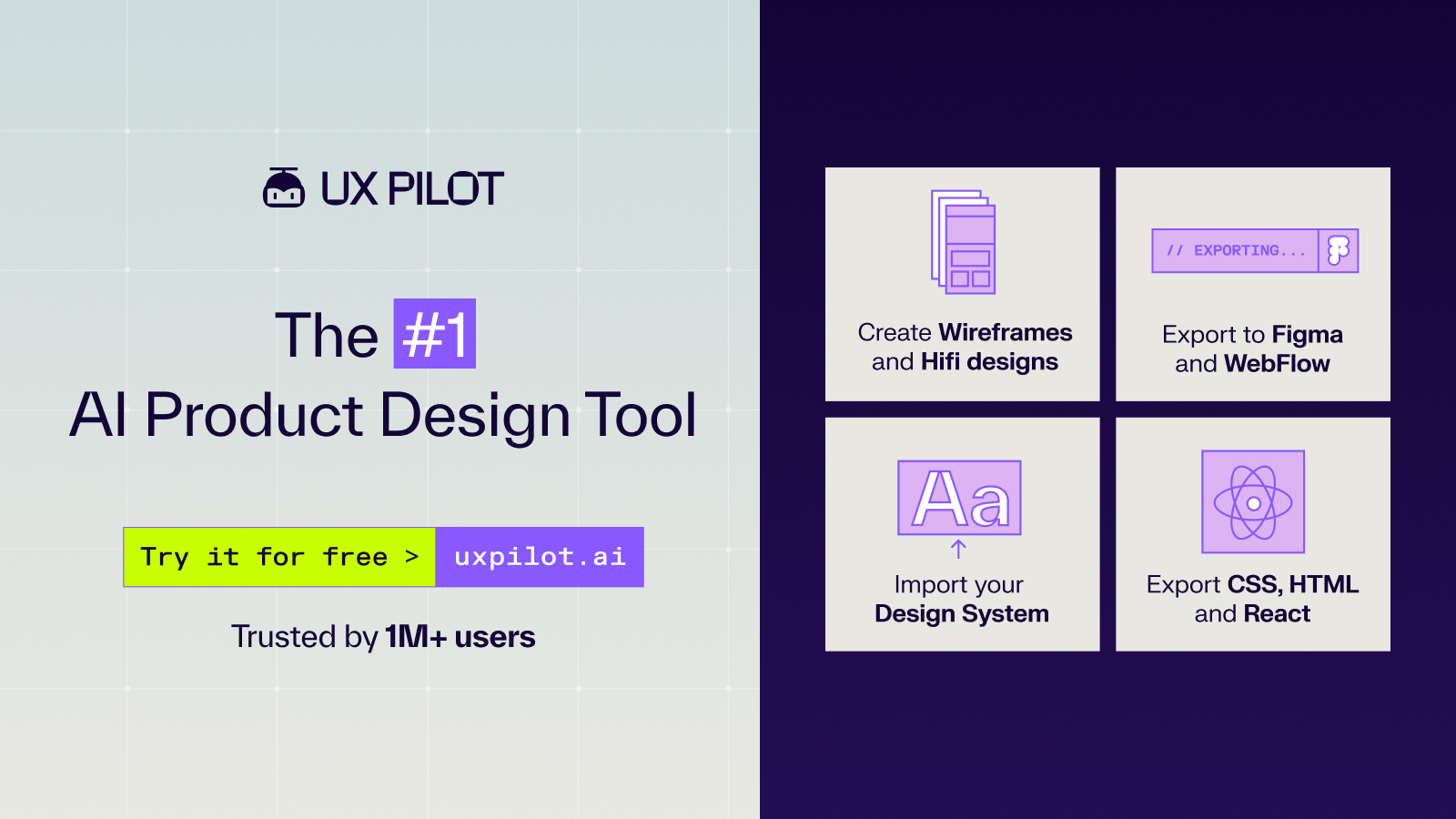
UX Pilot exports build-ready code from your designs, shortening the gap between design and a working prototype — useful for handoff to developers.
3.4 Nodey Figma agent and design systems
The Nodey AI agent works inside Figma, and you can use existing design systems to steer the AI so output matches your brand — important for consistency.
4. Pricing
UX Pilot has a free tier plus paid plans (prices below are billed annually; monthly is higher, and yearly saves up to ~2 months). Confirm current numbers on their site:
- Free — $0 forever. Up to 7 screens, 45 credits (one-time), no credit card required.
- Standard — $14/month billed annually. Up to 70 screens, 420 credits/month.
- Pro — $22/month billed annually. Up to 200 screens, 1,200 credits/month. Marked as the popular plan.
- Teams — $31/user/month billed annually. Up to 266 screens, 1,600 credits/user/month.
The tiers are credit-based, so match your plan to how many screens you actually generate each month rather than overbuying.
5. Pros & Cons
Pros: Genuinely fast idea-to-design workflow; wireframe and hi-fi generation in seconds; export-ready code; Figma agent keeps you in your existing tools; design-system support for brand consistency; usable free tier; affordable Standard plan.
Cons: Credit/screen caps on every tier; AI output needs human polish for bespoke work; the cheapest paid prices require annual billing; Teams adds up per seat.
6. UX Pilot vs Uizard
Uizard is a well-known AI UI design tool that’s beginner-friendly and good at turning sketches into mockups. UX Pilot competes on speed, hi-fi generation, export-ready code, and its Figma agent. If you want a simple standalone sketch-to-mockup tool, Uizard is approachable. If you want deeper Figma integration and code export baked into a fast pipeline, UX Pilot is the stronger fit. Both offer free tiers, so trial them on the same screen and compare the output quality.
7. Final Verdict: Is UX Pilot Worth It in 2026?
For teams and builders who value speed, UX Pilot is a genuinely useful tool in 2026 — the wireframe-to-hi-fi-to-code pipeline saves real hours, and the Figma agent lowers the switching cost. Start on the free tier to test output quality on your own screens, then move to Standard or Pro based on your monthly volume. Just keep the usual caveat in mind: AI gives you a fast, strong draft, and a designer still finishes the last mile.
Frequently Asked Questions
Is UX Pilot free to use?
Yes, there’s a free plan ($0 forever) with up to 7 screens and 45 one-time credits, no credit card required. Paid plans add more screens and monthly credits.
Can UX Pilot export code?
Yes. UX Pilot generates export-ready, build-ready code from your designs, which speeds up handoff to developers and prototyping.
Does UX Pilot work with Figma?
Yes. It offers Nodey, an AI design agent for Figma, so you can use it inside your existing Figma workflow rather than switching tools.
How much does UX Pilot cost?
Free is $0, Standard is $14/month, Pro is $22/month, and Teams is $31/user/month — all billed annually. Monthly billing costs more; yearly saves up to about two months.
Do I need to be a designer to use it?
No. You can start from a sketch, a thought, or a PRD, so founders and PMs can generate interfaces without formal design skills, though designers can refine the output.
👉 Where to Get UX Pilot
You can start designing with UX Pilot here: Try UX Pilot. Test the free tier on your own screens first, then upgrade based on your monthly volume.
Affiliate disclosure: This post contains an affiliate link. If you sign up through it, I may earn a commission at no extra cost to you. All opinions are my own and based on hands-on use.