I type for a living — emails, docs, briefs, endless Slack replies — and my hands were starting to feel it. So when I kept seeing VoiceType AI pop up as the “write 9x faster” voice-to-text tool, I finally installed it and used it as my main input method for three weeks. Here’s my honest KOL review.
1. What Is VoiceType AI?
VoiceType AI is an AI-powered dictation app that turns your speech into clean, formatted text anywhere on your computer — not just in one app, but across every text field you use. It claims up to 360 words per minute, 99.7% accuracy, support for 35+ languages, and it auto-formats what you say into readable writing instead of a raw wall of text. It’s used by 65,000+ people, and the pitch is simple: talk instead of type, and let the AI handle punctuation, structure, and tone.
2. Who Is VoiceType AI Best For?
✅ Writers, founders, and creators with high output
If you produce a lot of written content daily, dictating at conversational speed while the AI formats it is a real multiplier. I drafted newsletters in a fraction of my usual time.
✅ Anyone with wrist strain or RSI
This was the real reason I stuck with it. Being able to rest my hands and still get work done made a genuine difference to how my wrists felt by end of day.
✅ Non-native English writers
The tone-matching and auto-formatting cleaned up my phrasing on the fly, which is handy if you think faster than you can type polished English.
❌ People who work mostly in silent shared spaces
Dictation needs you to talk out loud. In a quiet open office or library, that’s awkward or impossible.
❌ Anyone needing guaranteed offline privacy with zero cloud processing
It’s marketed as private and encrypted, but transcription still involves processing your voice — if you have strict no-cloud policies, verify the specifics first.
3. Core Features Breakdown

3.1 Works Across Every App
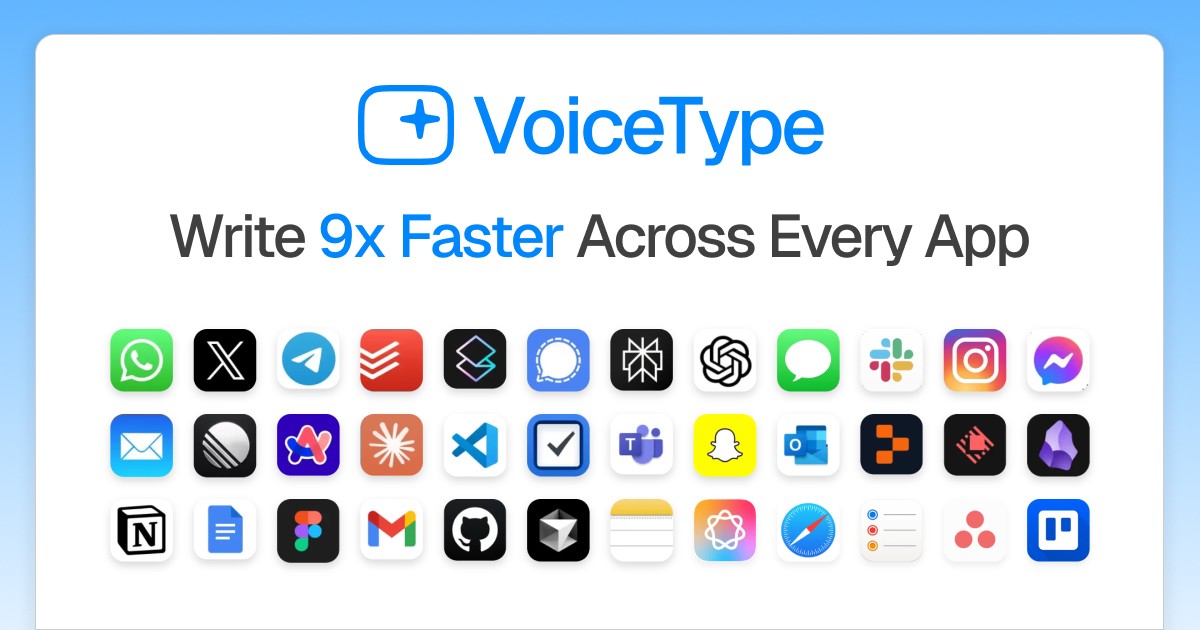
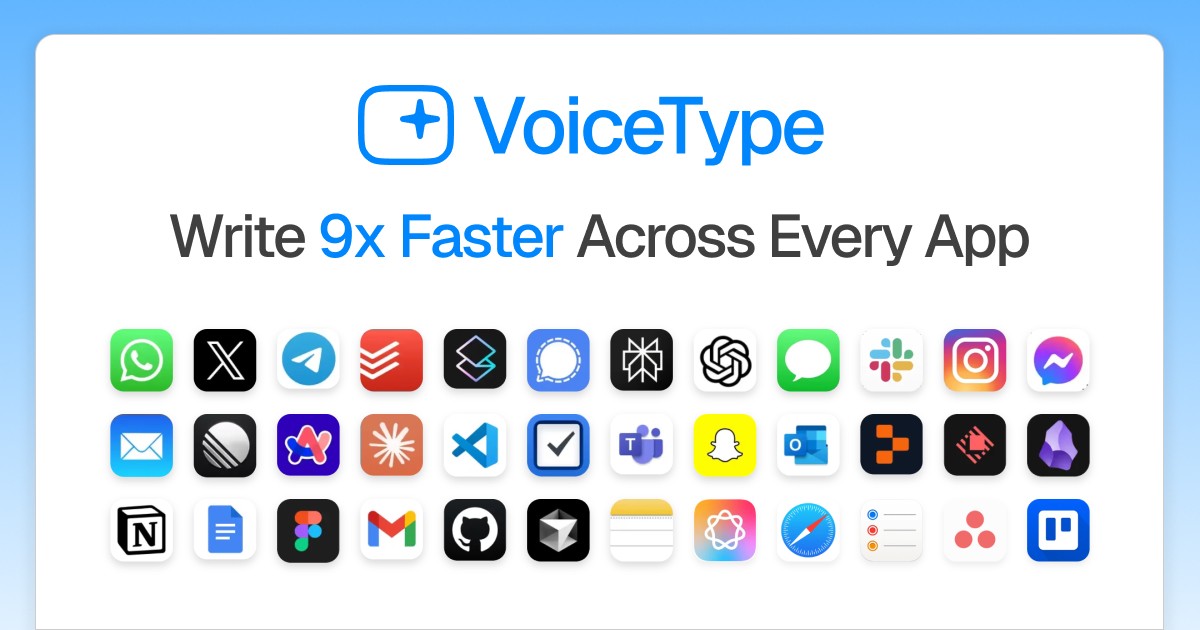
VoiceType sits at the system level, so you can dictate into your email client, browser, docs, chat apps — anywhere you’d normally type. No copy-paste from a separate window.
3.2 Auto-Formatting & Tone Matching
Instead of dumping a run-on sentence, it adds punctuation, breaks paragraphs, and can match a tone. This is the difference between “usable dictation” and “dictation I still have to clean up.”
3.3 Speed & Accuracy
The headline is 360 WPM at 99.7% accuracy. In practice my accuracy was very good on clear speech in a quiet room; accents and background noise dropped it, as with any dictation tool.
3.4 Whisper Mode & 35+ Languages
Whisper Mode lets you dictate quietly, and multilingual support means you’re not locked to English. Context-aware transcription helps it pick the right words for technical terms.
4. Pricing
Here’s what VoiceType AI showed me on its pricing page (verify current pricing yourself, as promos change):
Premium — Unlimited Transcriptions:
• 1-month plan: $29 → $19.50/month
• 12-month plan (Most Popular): $14.89/month, billed annually, with a 3-day free trial
Lifetime Access: $875 → $475, pay once (listed as a limited-quantity offer)
The site also noted hundreds of free trials started that week, so the 3-day trial is the low-risk way to test it before committing.
5. Pros & Cons
Pros:
✅ Genuinely fast once you get used to speaking your drafts
✅ Auto-formatting means less cleanup than most dictation tools
✅ Works system-wide, not just in one app
✅ Huge relief for wrist/hand strain
✅ 35+ languages and a free trial to test first
Cons:
❌ Needs you to speak out loud — not ideal in shared quiet spaces
❌ Accuracy drops with heavy background noise or strong accents
❌ Lifetime price is steep up front
❌ A short adjustment period before dictation feels natural
6. VoiceType AI vs Otter.ai
Otter.ai is built around recording and transcribing meetings — it shines at capturing conversations and generating summaries. VoiceType AI is built around you dictating as you work, formatting text live into any app. If you want meeting notes, Otter wins. If you want to replace typing with talking across your whole workflow, VoiceType is the more natural fit.
7. Final Verdict: Is VoiceType AI Worth It in 2026?
For me, yes — mainly because it saved my wrists and genuinely sped up first drafts. It won’t replace typing everywhere (quiet offices, noisy cafes), but as a daily writing accelerator it earned its spot in my toolkit. Start with the 3-day free trial, dictate a few real emails and docs, and see if talking-to-write clicks for you before paying for a year or the lifetime plan.
Frequently Asked Questions
Does VoiceType AI work in any app?
Yes — it operates at the system level, so you can dictate into browsers, email, docs, and chat apps rather than one dedicated window.
How accurate is it really?
It advertises 99.7% accuracy. In clear speech and a quiet room it was excellent for me; noise and strong accents lowered it, as with any dictation tool.
Is there a free trial?
Yes, the annual Premium plan includes a 3-day free trial so you can test it before being billed.
What languages does it support?
VoiceType AI supports 35+ languages, with context-aware transcription to handle technical terms.
Is my voice data private?
It’s marketed as private and encrypted. If you have strict compliance or no-cloud requirements, confirm the exact data-handling details with VoiceType before relying on it.
👉 Where to Get VoiceType AI
You can start with the 3-day free trial and see current pricing here: Try VoiceType AI →
Affiliate disclosure: this post contains an affiliate link. If you sign up through it, I may earn a commission at no extra cost to you. All opinions are my own based on hands-on use.